The photo archive blog
Hands-on image know-how: how to store, compare, process and assemble.
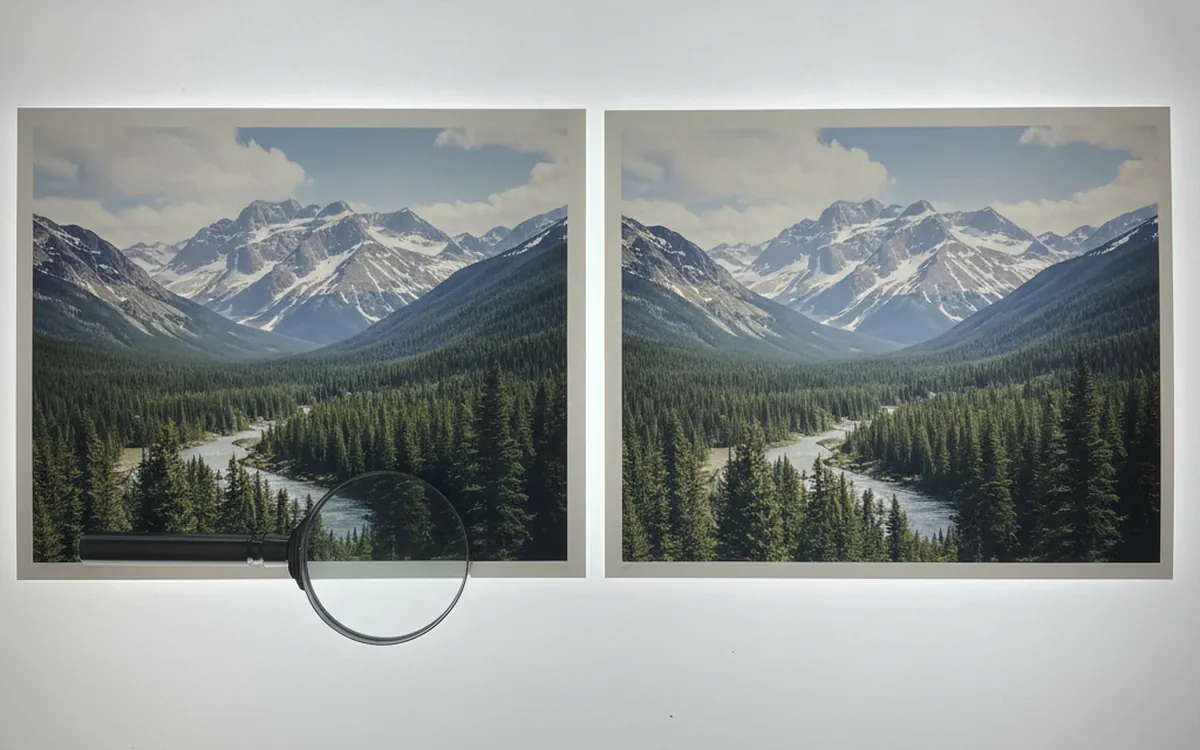
How to Find and Delete Duplicate Photos Without Losing Anything
Checksums catch exact copies; perceptual comparison catches look-alikes. Here’s how both approaches work, plus a cleanup order that keeps your originals safe.
Batch Image Processing with Command Scripts
Define your edits once and apply them to hundreds of files without mistakes. How a command script works and which settings make it reliable.
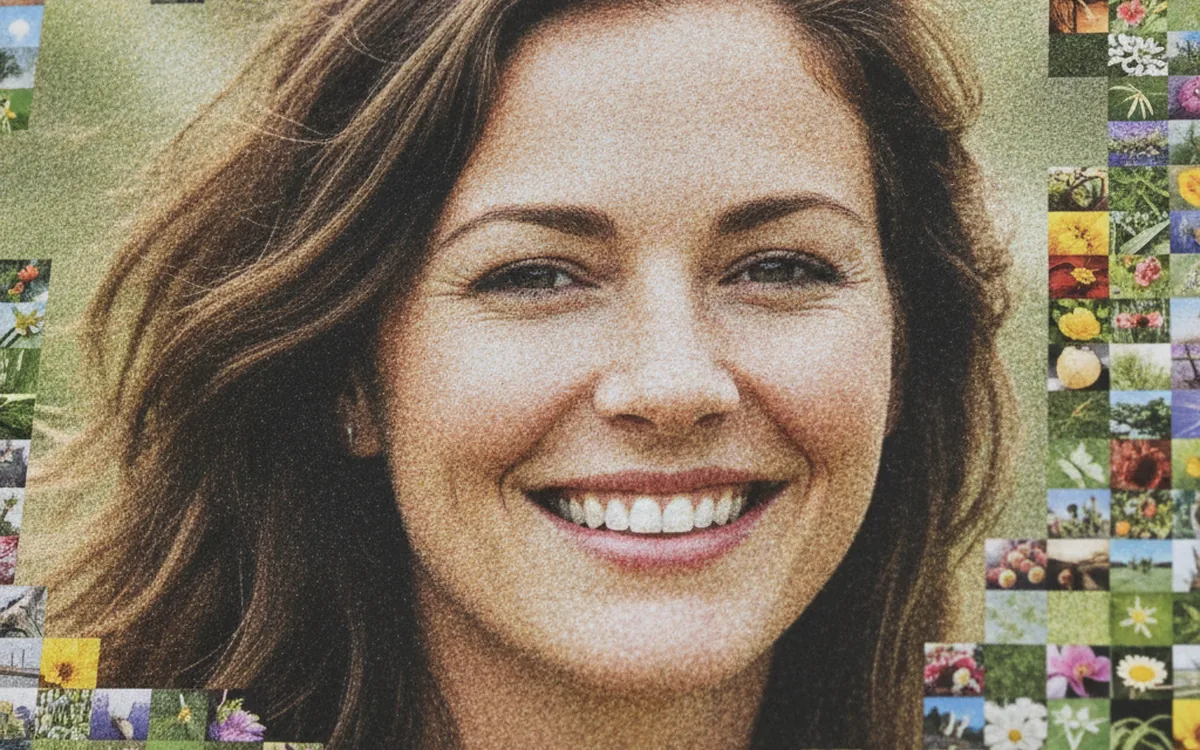
How a Photo Mosaic Comes Together: From Tile Library to Portrait
A portrait built from nearly 1,800 postage stamps makes a perfect case study: what the library, the grid, and color matching each decide, and why blending should be kept subtle.
The 3-2-1 Backup Rule for a Photo Archive: Drives, Cloud, Checksums, and Restore Drills
Three copies, two kinds of media, one offsite: the rule is easy to remember and easy to get subtly wrong. Here’s how to apply it to a photo archive so that a dead drive, a burst pipe, or a silent corruption doesn’t cost you a decade of pictures.
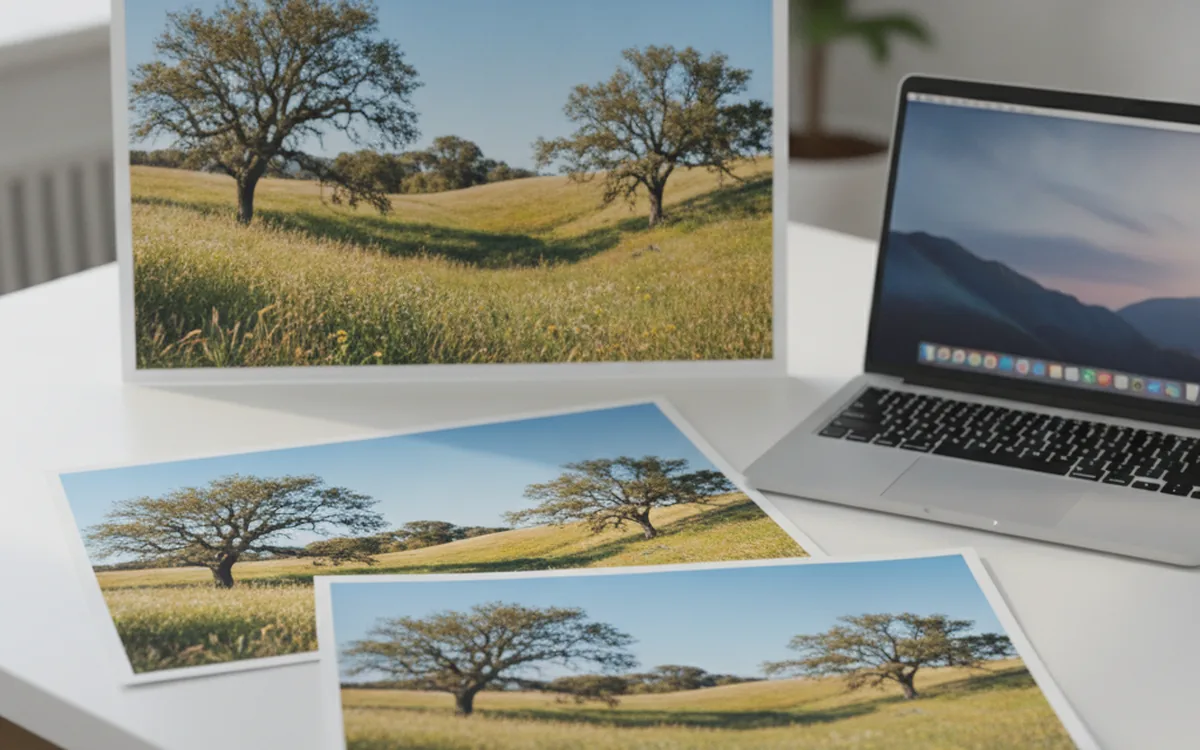
Resizing Images for the Web: Pixels, Filters, and Quality
Web images live or die by a few decisions: the right pixel size, a good resampling filter, light sharpening, and sensible compression. Here’s how to make them once and apply them to every file.
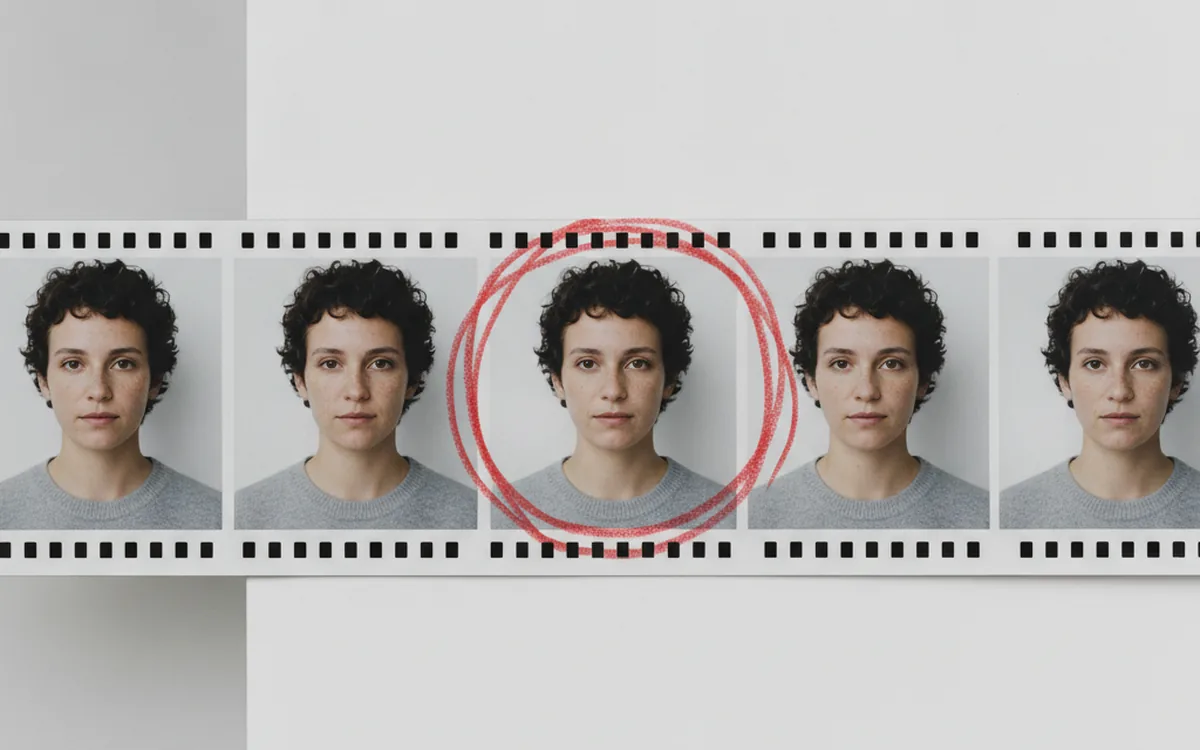
Culling Burst Shots and Near-Duplicate Photos
Burst mode gets you the shot and buries it among a dozen near-copies. Here’s how to group similar frames, pick the keeper quickly, and clear the rest without regrets.
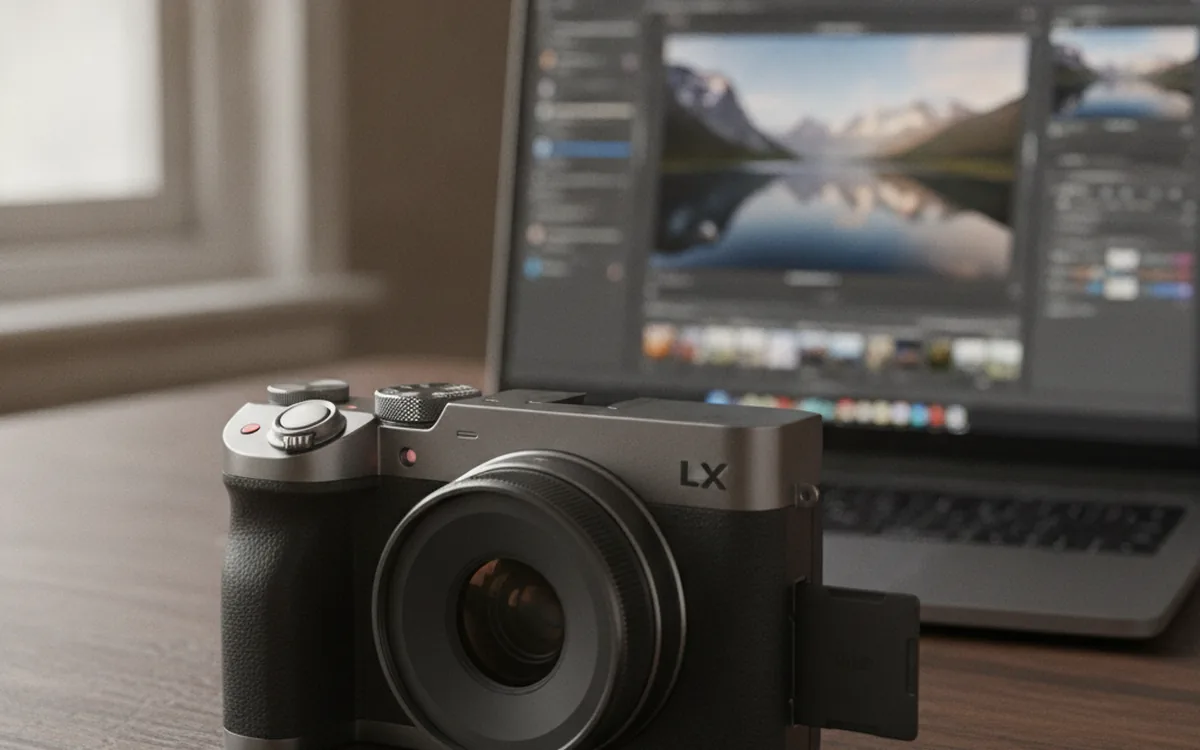
Camera RAW Formats: What’s Inside CR3, NEF, ARW, RAF, and DNG
RAW isn’t a photo yet. It’s a sensor recording with every decision deferred. We break down what’s inside CR2, CR3, NEF, ARW, RAF, ORF, PEF, and DNG, and how to turn them into JPEG and TIFF without losing time or quality.
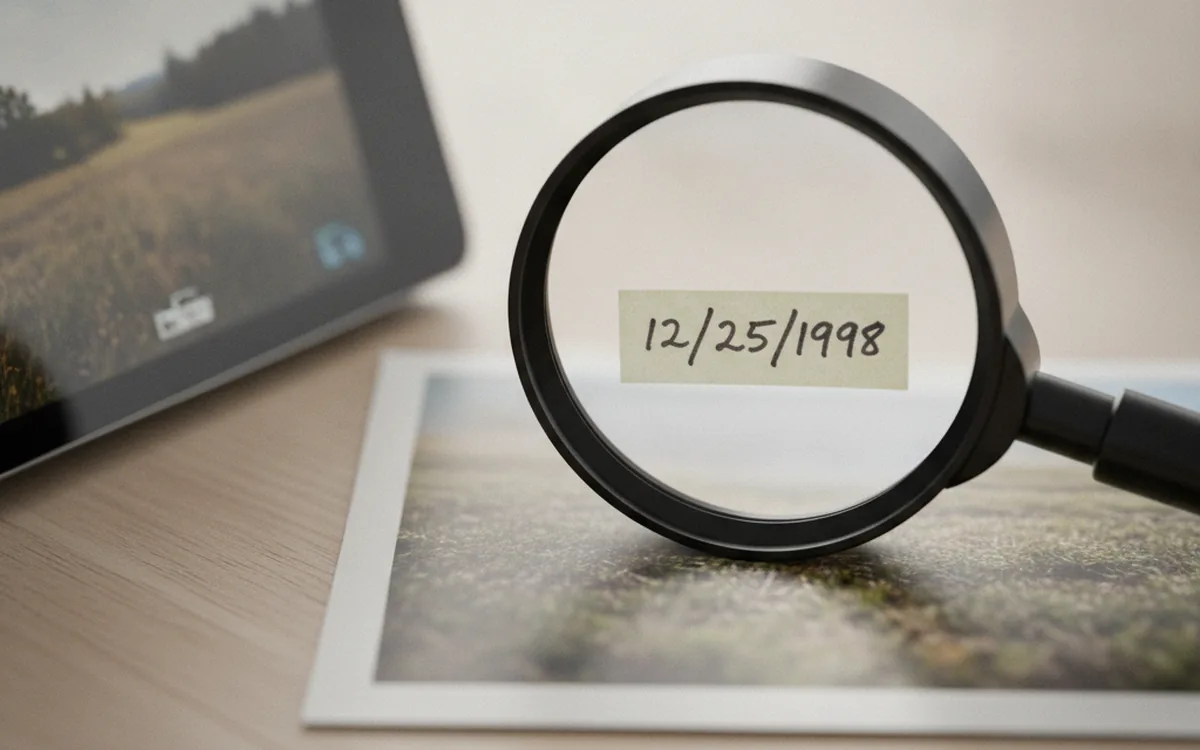
EXIF, IPTC and XMP: What Your Photos Know About Themselves
Every photo carries a hidden record of when, where, and how it was taken. Here’s what each metadata standard holds, where it breaks, and what to strip before sharing.
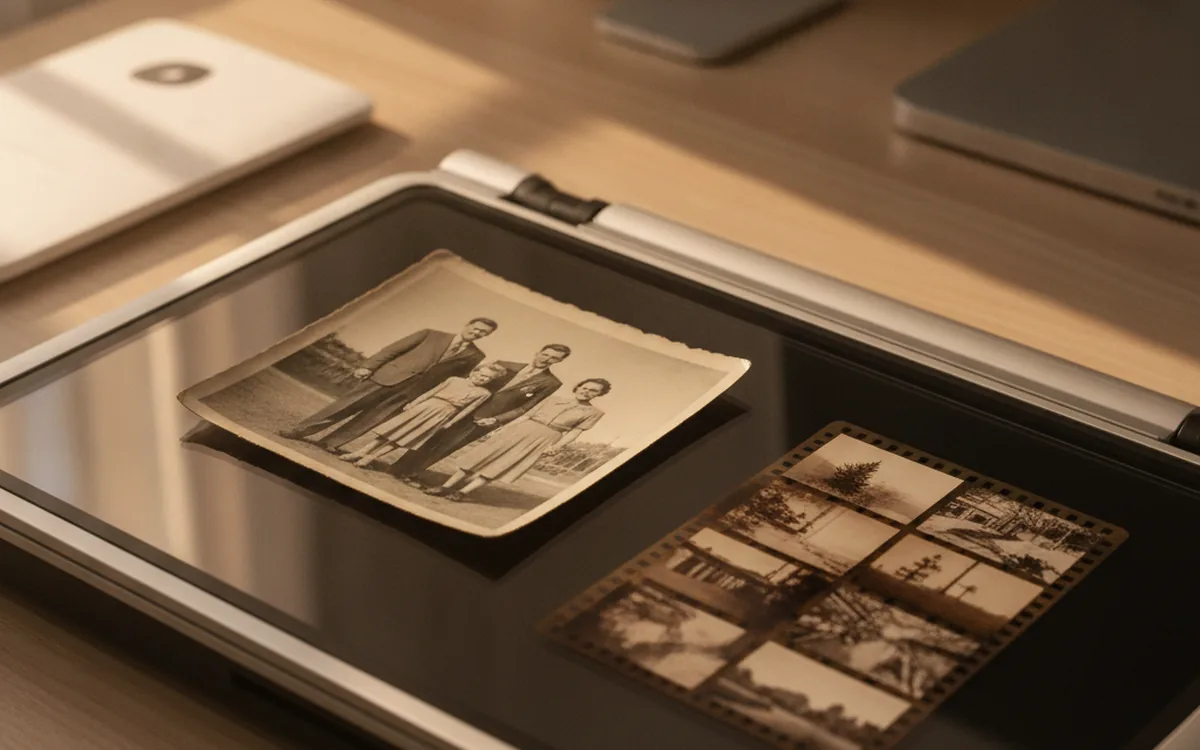
Scanning Old Photos, Slides, and Negatives: Resolution, Formats, and Restoration Order
You only want to scan a shoebox of family photos once. Here’s how to pick the right resolution for each medium, what to save as a master, in what order to restore, and how to name scans so their real dates survive.
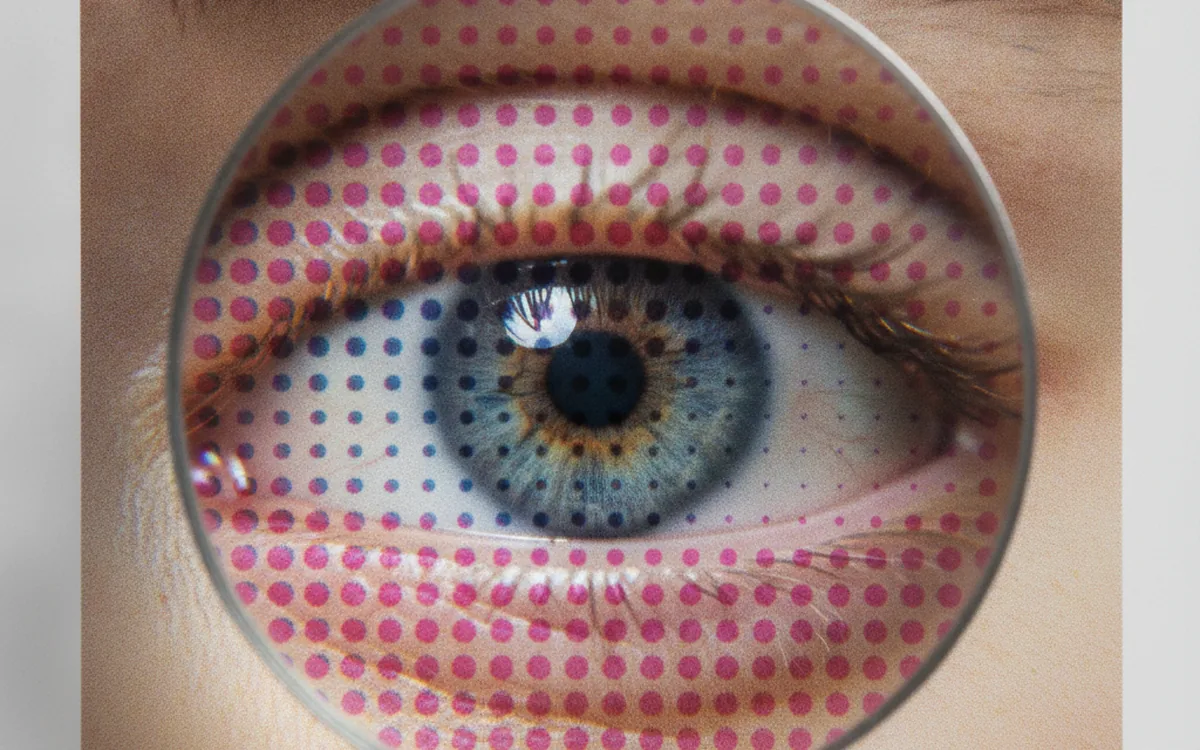
JPEG Quality Settings Explained: Compression, Subsampling, and When to Switch Formats
The quality slider is the most-used and least-understood setting in image software. Here’s what it actually changes inside a JPEG, which values make sense for which jobs, and when JPEG is the wrong choice altogether.
How to Bulk Rename Photos by Capture Date
Date-based file names turn any folder into a timeline. Here’s how to choose the scheme, avoid collisions between cameras, keep RAW+JPEG pairs intact, and make every rename reversible.
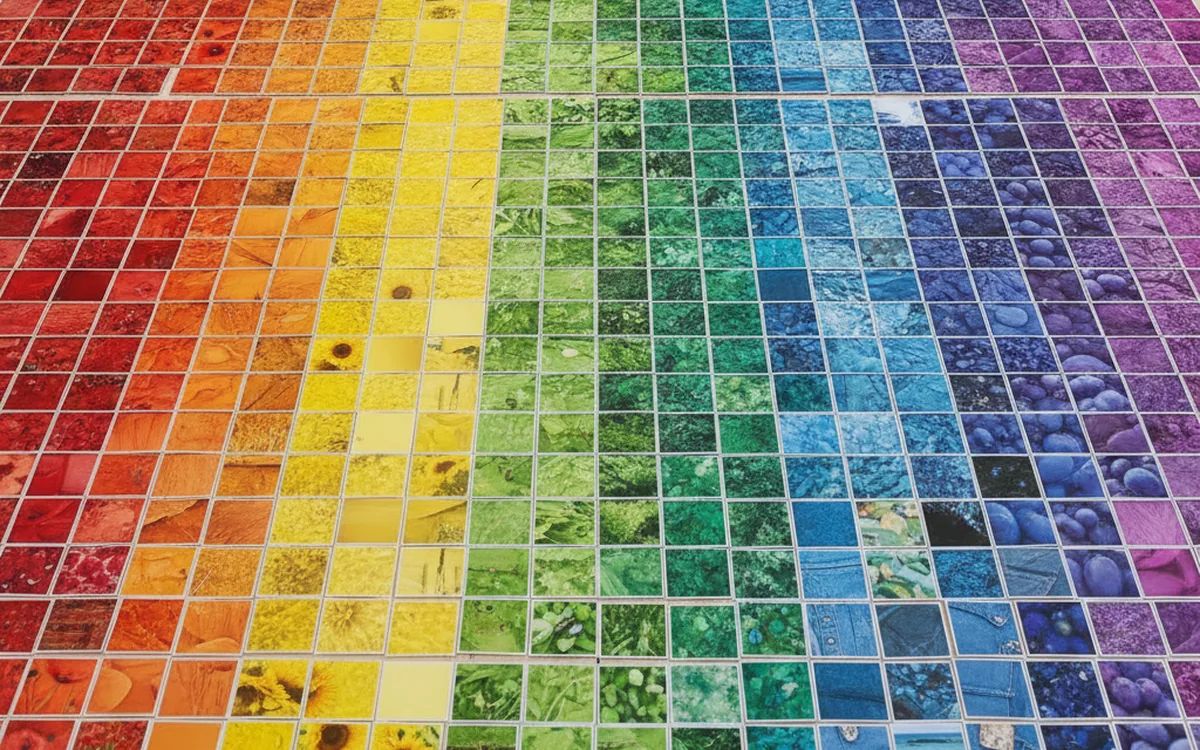
Building a Tile Library for Photo Mosaics: Size, Color, Cropping, and Repeats
The software matches colors, but the library decides what it has to match with. Here’s how to assemble a set of tiles that gives a mosaic depth and variety, and how to pick a target image and tile size for the wall or the screen.
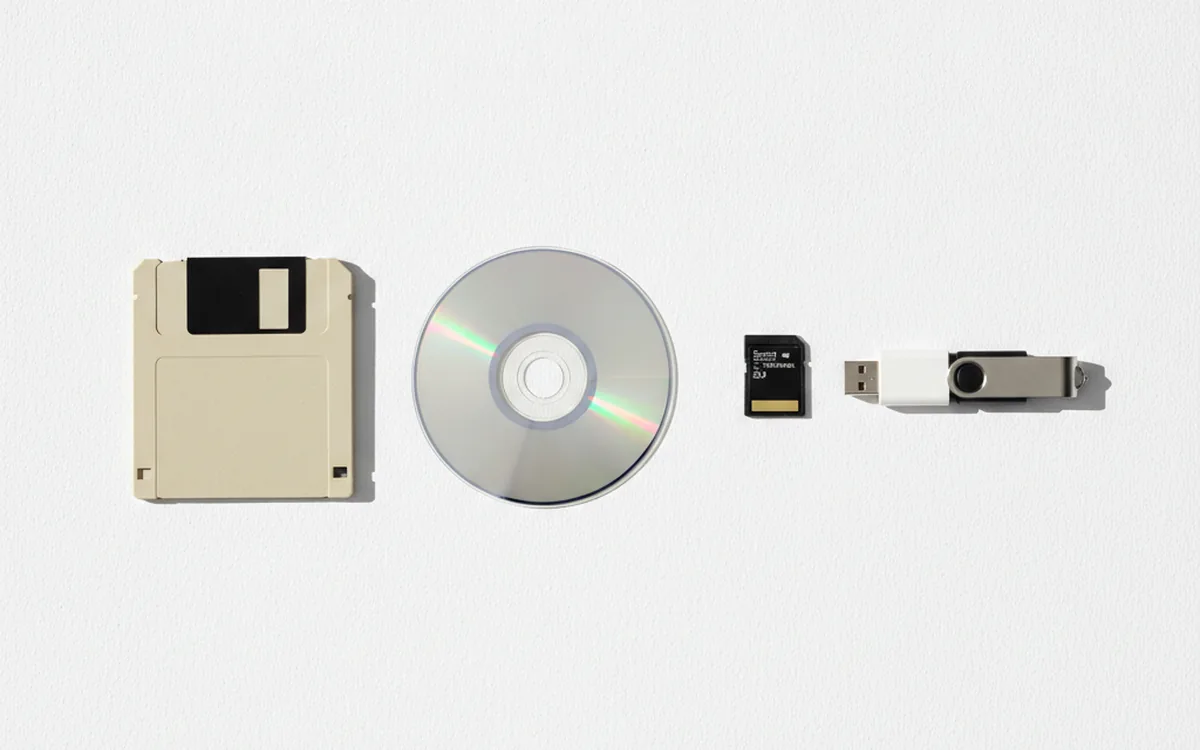
Image Formats: What to Use Today and What to Do With the Old Ones
There is no universal image format. A photo, a screenshot, a print layout, and a web image all have different needs. Here is how modern formats compare, plus what to do with the legacy files that keep turning up in archives.
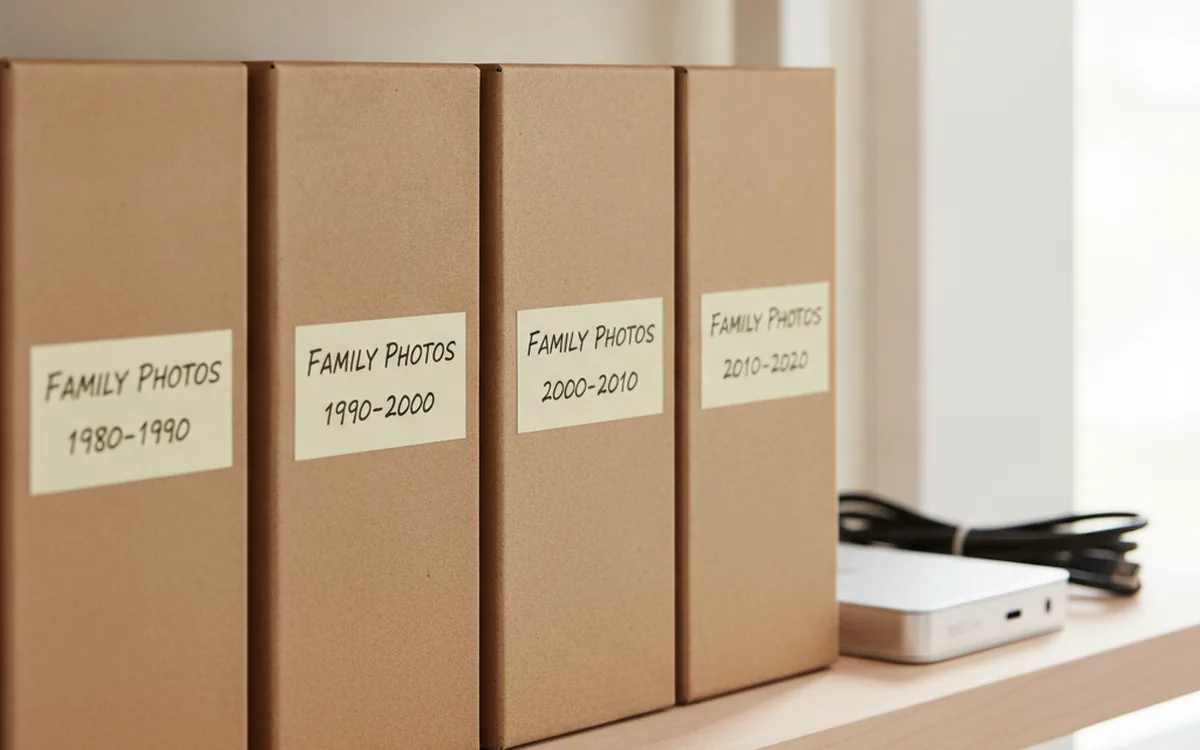
Organizing a Photo Archive: Folders, Names, Duplicates, and Backups
A photo archive grows on its own, but keeping it in order takes deliberate effort. Here is a step-by-step plan: gather everything in one place, sort it by date, give files meaningful names, remove duplicates, and protect the result with backups.
Theory helps. Practice is faster
Try the techniques from these articles on your own archive with Prismatic tools.