Prismatic Software Editorial Team
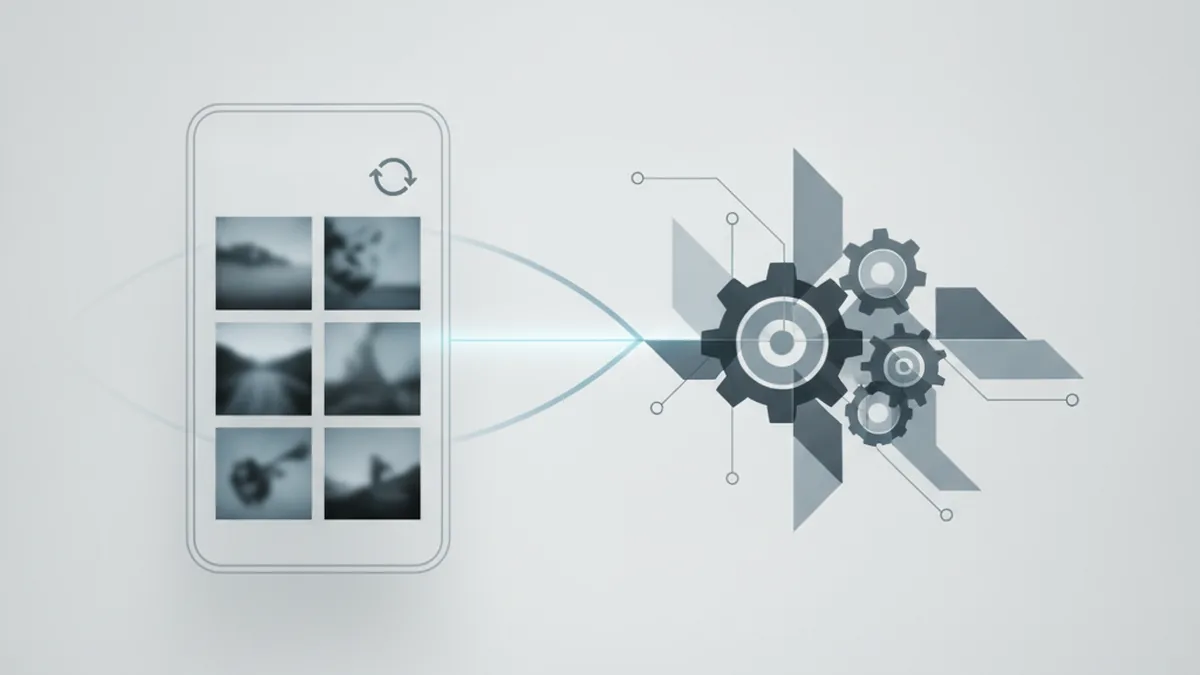
TL;DR: Flutter gives a desktop photo-software team a single codebase and faster time-to-release for a mobile companion app, but RAW previews, GPU-accelerated filters, and deep camera-hardware integration are exactly the areas where native still has an edge. The right call depends on what the mobile app actually needs to do — a lightweight sync-and-review companion leans Flutter, while an app doing heavy on-device image processing leans native, or Flutter with native modules bolted on.
Desktop photo and batch-processing vendors keep running into the same question once customers start asking for a phone app: build it once in Flutter, or build it twice, natively, for iOS and Android. It's not a theoretical question for this kind of software — a mobile companion to a RAW-heavy desktop tool has to deal with large image files, camera hardware, and processing performance in ways a typical business app doesn't, which is exactly where the Flutter-vs-native trade-offs get sharp.
Most teams don't have an in-house mobile practice when this question comes up, which is why desktop vendors in this position often bring in a Flutter development team like YuSMP Group's to scope the decision against the actual mobile use case — sync and review versus heavy on-device processing — before committing engineering budget to either path.
Why Photo-Software Teams End Up Choosing Between Flutter and Native
The trigger is almost always the same: a desktop photo or batch-processing vendor wants a mobile app, but not a full mobile RAW editor. What customers actually ask for is lighter — reviewing a shoot on the way home, approving selects for a client, getting a push notification when a batch export finishes, or syncing a lightweight gallery so a studio doesn't have to be at a desktop to check status. That's a meaningfully smaller scope than "port the desktop engine to a phone," and it's exactly the scope where the Flutter-vs-native decision actually matters, because the two paths diverge most on cost and speed when the app isn't doing the heaviest possible workload.
That framing matters because a lot of generic "Flutter vs. native" comparisons assume you're building a demanding, hardware-intensive app either way. A photo-software vendor's mobile companion usually isn't that — it's a client for data and jobs that live on the desktop or in the cloud, with a review-and-approve UI layered on top. Knowing which of those two apps you're actually building is the first decision, and it determines almost everything that follows.
What Is Flutter, and What Does It Actually Give You?
Single codebase, Dart, widget-driven UI
Flutter is Google's UI toolkit for building apps from a single Dart codebase that compiles to native ARM code on both iOS and Android. Instead of wrapping a web view or interpreting JavaScript at runtime, Flutter renders its own widget tree directly, which is why it reaches near-native UI performance for most screens — lists, galleries, forms, navigation — without the team writing that UI twice. For a studio-facing review app with a gallery grid, filters, and an approval flow, that's most of the app.
Where Flutter's performance ceiling is for image-heavy screens
The ceiling shows up specifically around image work that goes beyond displaying and scrolling. Decoding RAW files, demosaicing, applying GPU-accelerated filters at full resolution, and sustained batch processing on-device all sit outside what Flutter's own rendering layer does — Flutter has to hand that work off to native code through a plugin either way. So the honest framing isn't "Flutter is slower," it's "Flutter's UI layer is fast, and its image-processing layer is whatever native code you plug into it." That distinction is the one most generic comparisons skip, and it's the one that matters for this kind of app.
What Native Gives You That Flutter Doesn't (Yet)
Direct camera API access and hardware-accelerated image pipelines
Native iOS (AVFoundation) and Android (Camera2/CameraX) APIs expose manual exposure control, RAW capture formats, and hardware-accelerated image pipelines directly, with no abstraction layer in between. Flutter's camera plugin covers standard capture well, but advanced control — the kind a photo-software vendor's power users might actually want — usually means writing a native plugin on top of it, which puts you back in platform-specific code for that one feature even inside a Flutter app.
Platform-specific RAW/HEIC decoding libraries
Apple's Core Image and Android's platform decoders handle RAW and HEIC formats with hardware acceleration baked in at the OS level. A Flutter app gets to that same decoding either by calling those same native libraries through a plugin, or by shipping its own decode logic — there's no Flutter-native shortcut here, because this isn't UI work, it's format-specific image processing that lives below the UI layer on both platforms.
Flutter vs. Native for a Photo App: Side-by-Side
| Aspect | Flutter | Native (iOS + Android) |
|---|---|---|
| Performance on image decode/filters | Good for UI; heavy decode/filter work needs a native plugin | Direct access to hardware-accelerated decode and filter APIs |
| Development speed/cost | One codebase, typically faster and cheaper to ship | Two codebases (Swift/Kotlin), more engineering time and cost |
| Camera & RAW API access | Standard capture via plugin; advanced control needs native code | Full manual control via AVFoundation / Camera2-CameraX |
| Codebase maintenance | Single Dart codebase to maintain and test | Two platform codebases to keep in sync and test separately |
| Team hiring pool | Dart/Flutter talent, smaller pool but growing | Separate Swift and Kotlin hires, two specialist pools |
| Offline/local processing | Fine for light work; heavy on-device processing needs native modules | Full native performance for sustained local image processing |
| Time-to-first-release | Usually faster for review/sync-style companion apps | Usually slower, since both platforms ship on separate tracks |
Where Flutter Is the Right Call for a Mobile Companion
Flutter is the straightforward choice when the mobile app's job is to sync, display, and let someone act on work that's already been done elsewhere — not to replicate the desktop engine. That covers a lot of real mobile-companion use cases for photo software: browsing a synced gallery, approving or rejecting selects for a client, light crop or rotation edits on a downsampled preview, pushing a shoot into an upload queue, and getting notified when a server-side batch job finishes. None of that needs hardware-level camera control or on-device RAW decoding, which means none of it runs into Flutter's actual ceiling. One codebase, one team, one release cadence across iOS and Android — for this shape of app, that's a clear win on cost and time-to-market.
Where We'd Default to Native Instead
Native becomes the safer default the moment the mobile app's core job is the processing itself, not just reviewing or syncing it. If customers want to capture and process RAW files on the phone with the same color and sharpness fidelity as the desktop engine, that's a hardware-level camera and GPU-pipeline problem, and it's the kind of work where native code has direct access and Flutter doesn't. The same goes for an app that needs tight integration with platform-specific camera hardware features, or sustained on-device batch processing fast enough to feel instant — the kind of experience a desktop photo vendor's existing engine already delivers and that customers will compare the mobile app against whether that's fair or not.
A Decision Checklist Before You Pick Either
- What does the mobile app actually need to do? Write down the top three tasks a user performs on the phone before picking a framework — "review and approve selects" is a different app than "process RAW files on-device."
- Does it need offline access to full-resolution RAW files? If yes, you're closer to native or a hybrid with native modules; if the app mostly works against synced previews and a server, Flutter covers it.
- Who on the team already knows Dart/Flutter versus Swift/Kotlin? Existing skills change the real cost comparison more than the frameworks' theoretical capabilities do.
- How many platforms are you shipping to at launch? If it's both iOS and Android from day one, Flutter's single-codebase advantage is largest; if it's one platform first, native's edge narrows.
- What does it cost to maintain two native codebases versus one Flutter codebase plus a few native plugins? Estimate both, including QA time on two platforms, before assuming either option is cheaper.
Frequently Asked Questions
Can Flutter handle RAW photo previews without lag?
For downsampled previews generated server-side or baked into an embedded JPEG, yes — Flutter renders those as fast as any native image view. For decoding and demosaicing full-resolution RAW files on-device, Flutter has to call out to native code anyway, so the lag depends on that native decode path, not on Flutter itself.
Is Flutter fast enough for batch-style image processing on mobile?
For light batch work — resizing, basic filters, queuing uploads — Flutter is fine. For the kind of sustained, GPU-accelerated batch processing a desktop engine does, most teams offload the heavy lifting to a server or a native plugin and use Flutter only for the UI and job orchestration layer.
Do we need native code at all if we choose Flutter?
Almost always, at least a little. Deep camera control, background processing limits, and some platform-specific image APIs require native plugins or platform channels. Flutter reduces how much native code you write; it doesn't eliminate it for an image-heavy app.
How much does a Flutter mobile companion cost compared to two native apps?
A single Flutter codebase is typically cheaper to build and maintain than separate iOS and Android native apps, mainly because one team ships and tests one codebase instead of two. The gap narrows if the app needs enough native plugin work that you end up maintaining platform-specific code on both sides anyway.
Does Flutter support deep camera API access for a photo app?
Flutter's own camera plugin covers common capture scenarios well. Advanced control — manual exposure chains, RAW capture formats, custom hardware-accelerated pipelines — usually requires writing a native plugin on top of it, which is a reasonable trade for most mobile companion apps but a real constraint for camera-first products.
Can a studio app start in Flutter and add native modules later?
Yes, and it's a common path. Flutter's platform channels let you write performance-critical or camera-heavy features as native modules while keeping the rest of the app — navigation, sync, gallery views, settings — in the shared Dart codebase.
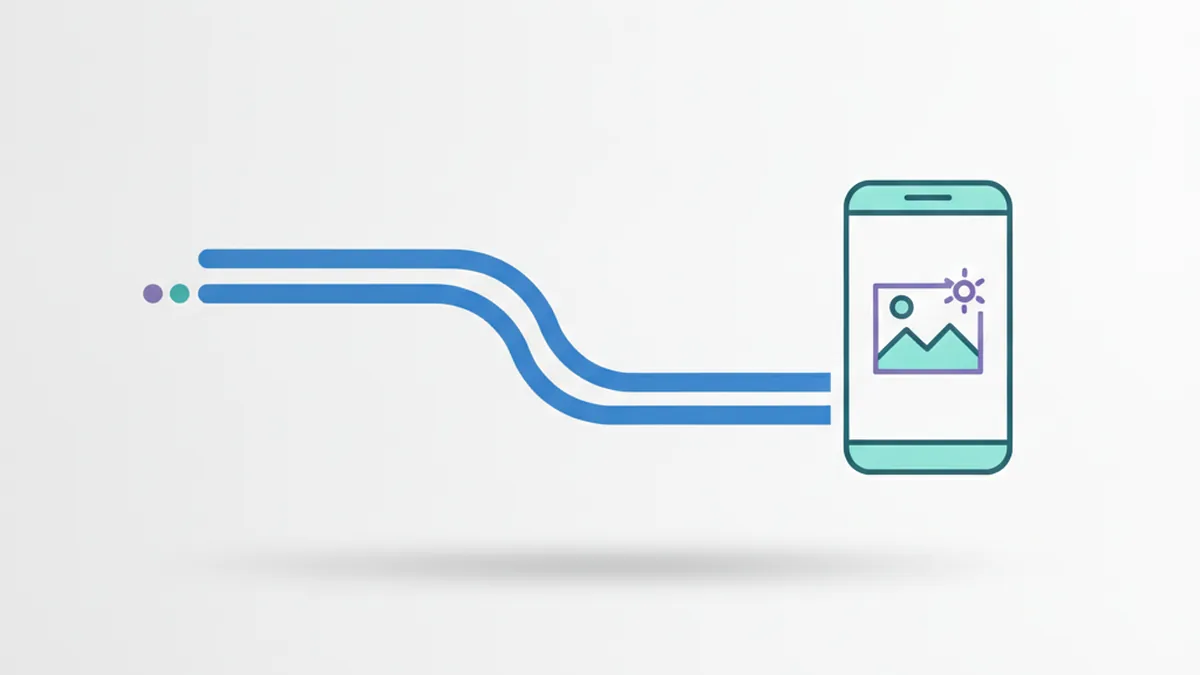
For a deeper look at how Flutter's own architecture separates the UI framework from the engine and embedder layers — relevant to understanding exactly where native code plugs in — see Flutter's official architectural overview.