Prismatic Software Editorial Team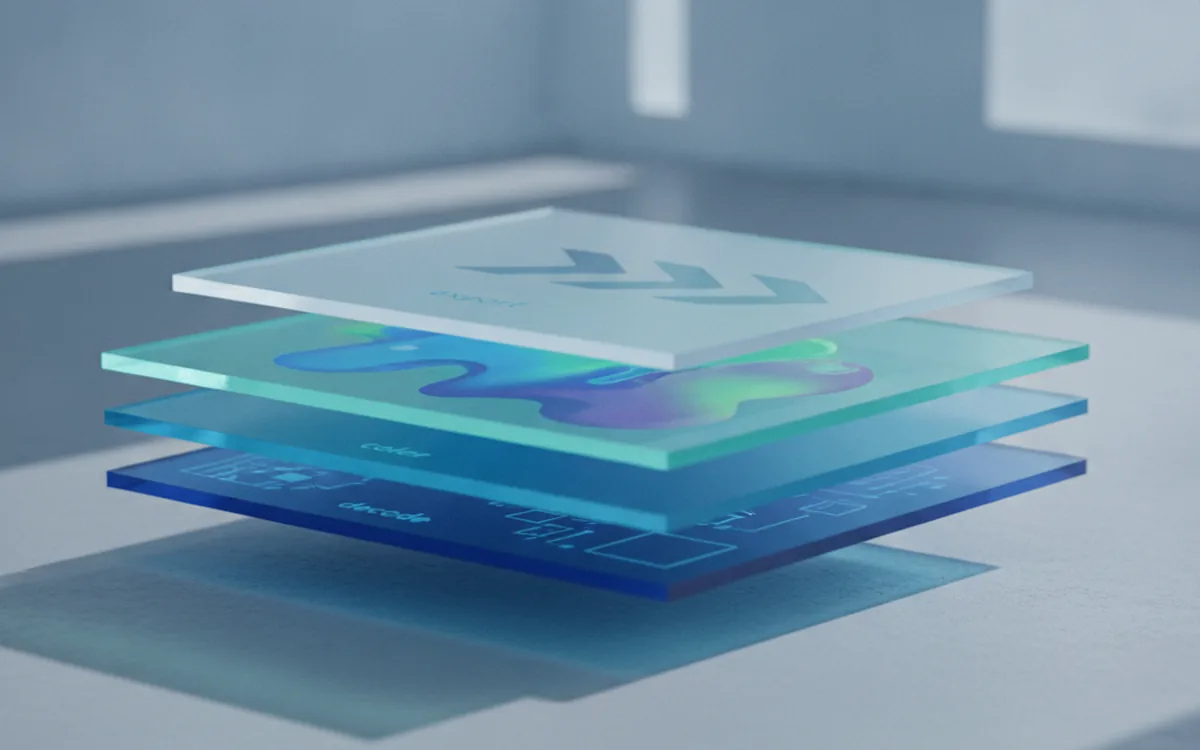
TL;DR: A RAW processing pipeline needs five separable stages — decode, demosaic, color management, a non-destructive edit buffer, and export — each independently swappable. Building PhotoTile, four of our early architecture decisions held up at scale; two others, multi-threaded decoding on large files and metadata handling on export, had to be rebuilt after launch once real-world volume exposed what a pre-launch test set couldn't.
Most writing about RAW files is aimed at photographers deciding how to edit one: which slider, which preset, which export setting. Building PhotoTile meant a different question entirely — how do you architect software that decodes, color-manages, and edits thousands of RAW files reliably, without losing precision or falling over on a studio-sized batch?
Teams validating a similar idea from scratch often bring in an MVP development team at YuSMP Group to pressure-test the pipeline architecture before committing engineering months to the full build. Below are the decisions that shaped ours, including the ones we got wrong the first time.
What a RAW Processing Pipeline Actually Has to Do
Every RAW pipeline, regardless of language or platform, moves a file through the same five stages: decode the sensor data, demosaic it into a full-color image, apply color management, hold edits in a non-destructive buffer, and export to a delivery format. Treat any of these as an afterthought bolted onto another stage, and the pipeline becomes hard to test, hard to swap out, and hard to scale.
Decision One: Streaming Decode vs. Load-Everything-Into-Memory
Our first version of PhotoTile's decoder loaded the full RAW file into memory before doing anything with it. That's simple to write and works fine for a handful of 25MB files. It stops working at a batch of 400 files from a 60-megapixel body, where memory pressure turns a fast operation into a swapping mess.
The fix was streaming decode: read and process the sensor data in chunks, never holding more than one working image's intermediate buffers in memory at once. This is also where the SDK-vs-custom-decoder question gets decided. A general-purpose library such as LibRaw covers the format range you need in most cases; building a custom decoder only pays off when you need control over a quality/speed trade-off the library doesn't expose, or support for a non-standard sensor format.
| Factor | Off-the-shelf decoder (e.g. LibRaw) | Custom-built decoder |
|---|---|---|
| Time to first working build | Days | Weeks to months |
| Format coverage | Broad, maintained upstream | Only what you implement |
| Control over quality/speed trade-offs | Limited to library's exposed settings | Full control |
| Maintenance burden | Upstream patches new camera models | You track every new sensor yourself |
| Right fit | Standard formats, normal volume | Non-standard sensors, specific performance targets |
Decision Two: Where Demosaicing Algorithm Choice Actually Matters
Demosaicing reconstructs full RGB data from the sensor's color filter array, and the algorithm you pick is a direct quality/speed trade-off: a fast bilinear method processes quickly but softens detail, while an adaptive algorithm sharpens detail at a real compute cost. We initially hard-coded one algorithm into the decode stage itself, which meant changing it later meant touching code that had nothing to do with demosaicing.
The architectural fix was isolating demosaicing as its own stage with a swappable interface, so the trade-off between speed and detail becomes a configuration choice, not a rewrite. For background on the format this stage is reconstructing from, the Adobe DNG specification documents the sensor layout and color filter array metadata that demosaicing depends on.
Decision Three: Non-Destructive Edit Buffer
A pipeline that applies edits directly to decoded pixel data destroys the ability to revisit a decision. PhotoTile's edit buffer stores every adjustment — exposure, white balance, crop — as an ordered instruction set applied on top of untouched decoded data, never overwriting it. Export renders the instructions against the original at that moment; nothing before export is destructive.
This separation also simplifies testing: a bug in an edit operation can be isolated and fixed without re-decoding a single file, because the underlying RAW data was never touched in the first place.
Decision Four: Color Management as a Pipeline Stage, Not a UI Feature
It's tempting to treat color management as something the preview window handles — apply an ICC profile when rendering to screen and call it done. That approach loses accuracy the moment a file moves between formats, because each conversion needs its own explicit profile handling, not a single display-time correction. PhotoTile treats color management as its own pipeline stage with the working color space and output profile defined explicitly at every transform, not inferred from whatever the previous stage happened to produce.
The Two Decisions We Had to Rebuild After Launch
Four of the decisions above were right from the start. Two others weren't, and both only broke once real usage exceeded what our pre-launch test set simulated.
Multi-threading on large files
Our launch version parallelized across files in a batch, but processed each individual file single-threaded. That was fine for typical 24-45 megapixel files. It became a bottleneck once users started feeding in 100+ megapixel medium-format RAW files, where a single file's decode and demosaic stages took long enough to stall the whole batch behind it. We had to go back and add intra-file parallelism to the decode and demosaic stages specifically, which meant re-architecting how work was chunked and handed to worker threads — something that's materially harder to retrofit than to design in from the start.
Metadata handling on export
We shipped treating metadata as something carried along passively. In production, we found export paths — particularly format conversions — where EXIF and color-profile metadata silently dropped, because the export stage wasn't built with an explicit contract to preserve it. The rebuild made metadata preservation an explicit, tested requirement of every export path rather than an assumption.
When a Studio or Product Team Needs a Dedicated Pipeline, Not an Off-the-Shelf SDK
Most teams building photo software shouldn't start by writing a RAW decoder. An existing library handles the common case well, and the architecture decisions above — streaming vs. in-memory, demosaicing isolation, non-destructive editing, color management as its own stage — apply whether you're wrapping a library or writing custom code. A dedicated pipeline earns its cost once volume, a non-standard format, or an integration requirement outgrows what packaged software supports, and that's exactly the kind of architectural risk worth validating early, before committing months of engineering to the full build.
Frequently Asked Questions
What are the core stages of a RAW processing pipeline?
Decode, demosaic, color management, non-destructive edit buffer, and export, each built as a separate, swappable stage rather than one monolithic function.
Should I build a custom RAW decoder or use an existing library?
Use an existing library such as LibRaw unless you need control over quality/speed trade-offs or non-standard camera formats a library doesn't cover.
Why does demosaicing algorithm choice matter for pipeline architecture?
It locks in a quality/speed trade-off that's expensive to change later if the pipeline doesn't isolate demosaicing as its own stage.
What does non-destructive editing mean at the pipeline level?
Edits are stored as instructions applied on top of untouched RAW data, not baked into the pixels, so the original is always recoverable.
Where does color management belong in the pipeline?
As its own stage with explicit ICC profile handling, not bolted onto the UI layer — otherwise accuracy is lost on every format conversion.
Why rebuild pipeline decisions after launch instead of getting them right the first time?
Some trade-offs, like multi-threading large files or metadata handling on export, only surface at real-world volume that's hard to simulate pre-launch.
When does a studio or product team need a dedicated RAW pipeline instead of an off-the-shelf tool?
When volume, a non-standard format, or integration needs outgrow what packaged software supports.