Prismatic Software Editorial Team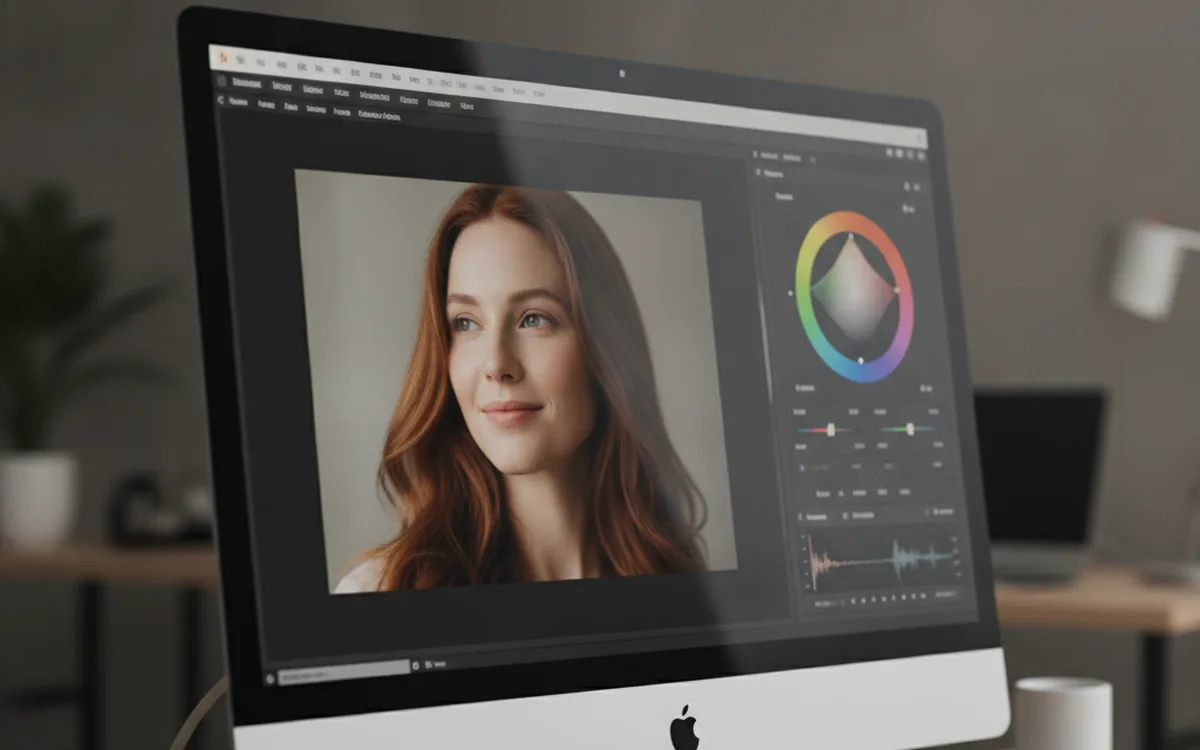
Capture One's release notes for 16.9 lead with retouching: Stray Hair Removal uses a slider and a protection brush to clean up flyaway strands across a portrait without masking each one by hand, and it sits alongside new Body and Skin Tone Retouching tools aimed at evening out color casts from hands to face in a single pass (PetaPixel).
The company framed the release around a specific philosophy rather than a feature list: "We are building toward a future where the photographer is the author, not an algorithm," pairing the new automated retouching with a redesigned Advanced Color Editor that adds a Uniformity tool, a Target color picker, and editable RGB/HSL values for matching a reference color exactly (Digital Camera World).
A desktop RAW editor that ships real-time multi-user sessions, a connection overview, and a companion web admin portal in the same release cycle is effectively shipping a small web application alongside the desktop one — session state, presence, and permissions all have to sync correctly across every collaborator's screen. That's a different discipline than building retouching tools, which is why studios adding shared review or client-facing portals on top of a desktop workflow increasingly bring in a dedicated web development team at YuSMP Group rather than stretching a desktop-focused engineering team across both.
Retouching gets automated, not just faster
Stray Hair Removal targets a task that used to be entirely manual: cloning or healing individual flyaway hairs strand by strand around a subject's face and shoulders. The new tool's slider controls how aggressively it removes detected strands, while a protection brush lets a retoucher mark hair they want to keep, so the automation doesn't flatten an intentionally loose style (DPReview).
Body Skin Retouching and Skin Tone Retouching round out the portrait set, matching color casts across hands, arms, and face to a single reference tone — work that previously meant switching to a dedicated retouching app for anything beyond basic healing.
A color editor built for exact matches
The Advanced Color Editor's redesign centers on a new color wheel with a Uniformity control for recoloring part of an image without disturbing the rest, plus a Target picker that lets an editor click a reference swatch and dial RGB or HSL values to match it precisely — useful for brand colors in product photography or matching skin tones across a multi-camera shoot.
Enhanced Denoise also picked up Fujifilm X-Trans RAW support in this release and runs roughly 30% faster on Bayer-pattern files, which matters more as sensor resolutions and file sizes keep climbing.
Collaboration was the bigger story
Multi-User Sessions exiting beta is the release's least flashy change and arguably its most consequential for studio teams: multiple editors can now work the same session simultaneously with export rights and a "Follow" mode for reviewing a collaborator's live edits, backed by a connection overview panel that shows who's connected and to what (Capture One support).
It arrives alongside a separate Web Services update, released October 22, that adds User Groups to the Studio for Enterprise web admin portal — letting an agency organize everyone on one license into teams rather than managing permissions person by person. Together, the two updates point at Capture One treating session collaboration and web-based account administration as first-class product surfaces, not side features bolted onto the desktop app.
The bottom line
None of 16.9's individual tools are revolutionary on their own — automated hair removal and a better color wheel are incremental, if welcome, additions to an already mature retouching toolkit. What's notable is the direction: a desktop RAW processor investing as much in real-time multi-user collaboration and web-based team administration as in the editing tools themselves, because for a studio, getting a shot approved by three people in different time zones is now as much a workflow bottleneck as the RAW conversion itself.