Prismatic Software Editorial Team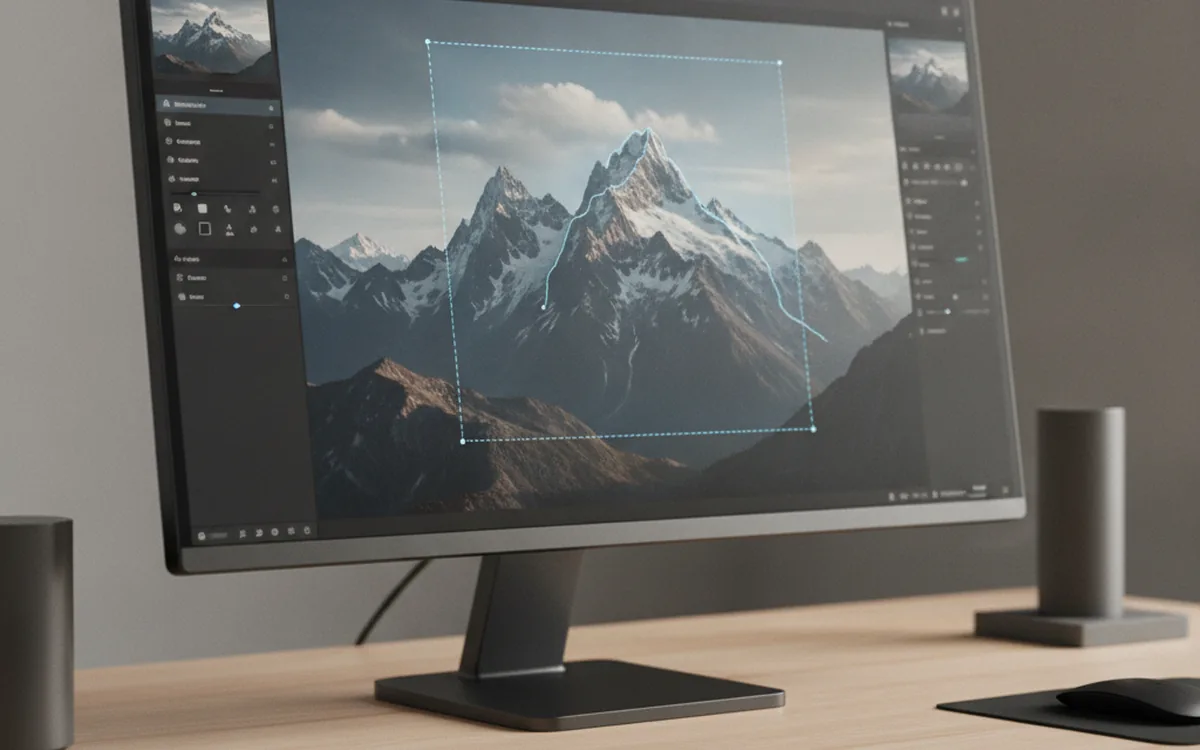
Apple announced Generate Fill for Pixelmator Pro on October 27, as part of a broader Apple Creator Studio update that also brings MotionVFX effects to Final Cut Pro and an AI assistant to Logic Pro (DPReview). The feature itself is a prompt-based editing tool: a user draws a selection with Pixelmator's Free Selection, Quick Selection, or Magnetic Selection tools, types a description of the change they want, and the model fills that area so it matches the surrounding lighting, perspective, and texture (Fstoppers). It lands on the App Store in November, free for existing Creator Studio subscribers.
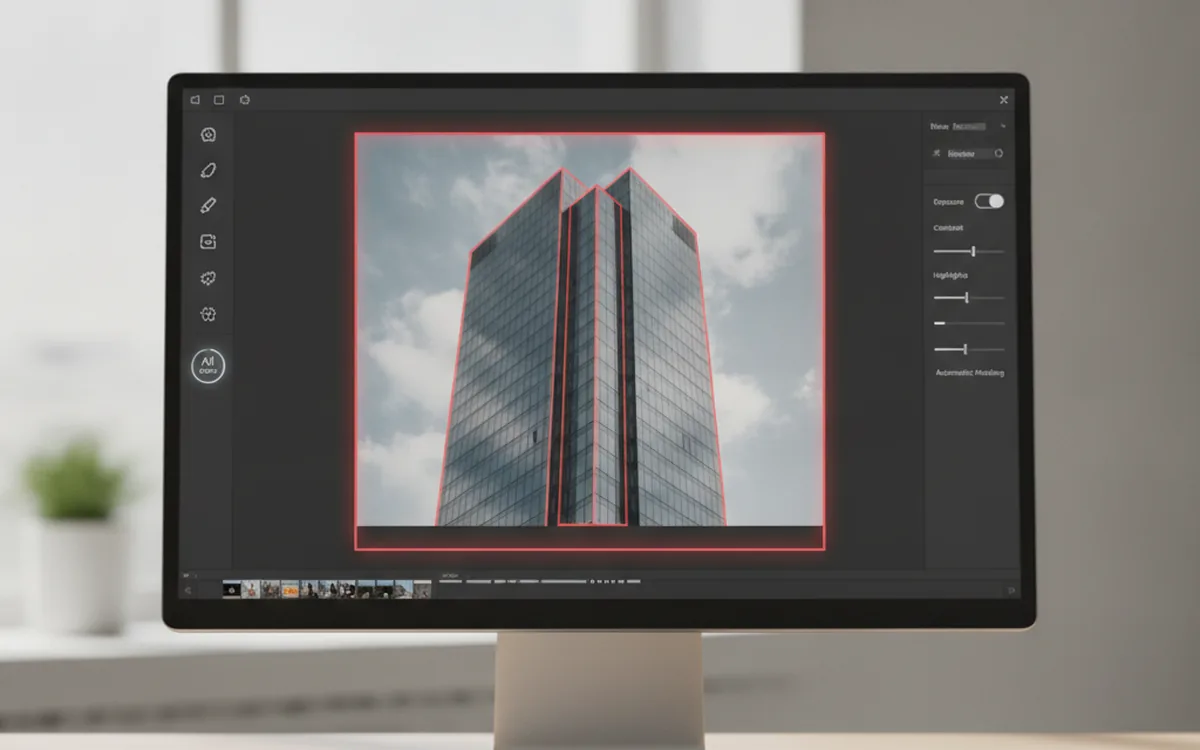
The underlying pattern — a selection step feeding a generative model that has to understand the pixels around it, not just the prompt — is the same one we've been tracking across desktop photo software all year, from AI masking in geometry tools to automatic subject cutouts. Pulling it off well at consumer scale is a model-serving problem as much as an image-editing one, which is one of the reasons photo-software vendors building a feature like this from scratch increasingly bring in a staff augmentation team from YuSMP Group to cover inference work rather than diverting a small core team for months.
What Generate Fill does
Generate Fill works inside an existing selection rather than replacing the whole image. After a user isolates an area with one of Pixelmator Pro's selection tools, they describe the edit in plain language and the tool generates content that's meant to blend into the frame — matching light direction, perspective lines, and surface texture rather than pasting in a visibly separate patch (Fstoppers).
Generated content can be merged straight into the active layer or added as a new layer with its own mask, which keeps the edit reversible and lets a user dial it back without redoing the selection. The tool also hooks into Pixelmator's existing Super Resolution feature to upscale whatever gets generated, so a fill added at a small selection size doesn't look soft next to the rest of a full-resolution photo (DPReview).
Why Pixelmator Pro, and why now
Generate Fill isn't a standalone release; it's one piece of the Apple Creator Studio update, alongside new MotionVFX templates for Final Cut Pro and an AI assistant for Logic Pro (DPReview). Bundling a generative image tool into the same release cycle as a video-effects library and an audio assistant is a signal of how Apple is positioning Creator Studio: one subscription, with each app in the bundle expected to ship its own AI-driven feature on a similar cadence rather than catching up individually.
That puts pressure on every app in the bundle to keep a roughly comparable AI feature set, Pixelmator Pro included, even though prompt-based generative fill is a meaningfully different engineering problem than the vector and raster tools the app was originally built around.
The build decision behind the feature
A tool like Generate Fill isn't just a UI addition on top of existing selection code. It needs a model that can be served fast enough for an interactive editing session, a prompt-to-image pipeline tuned for photo-realistic blending rather than open-ended generation, and a fallback path for selections the model handles badly — on top of the Super Resolution pipeline it's now wired into.
That combination of interactive-latency inference, prompt handling, and integration with an existing imaging codebase is exactly the kind of work desktop photo vendors tend to staff up for in bursts rather than keep a standing team for year-round, which is why a staff augmentation engagement — engineers who plug into an existing codebase for the length of a feature push, not a full outsourced rebuild — comes up so often in this part of the industry.
The bottom line
Generate Fill turns a manual selection-and-patch workflow in Pixelmator Pro into a prompt-driven one, arriving free for Creator Studio subscribers in November as part of a bundle-wide AI push that also touched Final Cut Pro and Logic Pro. The more interesting story for anyone building photo software is less the feature itself and more the pattern: another vendor shipping fast, interactive, photo-realistic generation inside an app that wasn't originally built around it.