Prismatic Software Editorial Team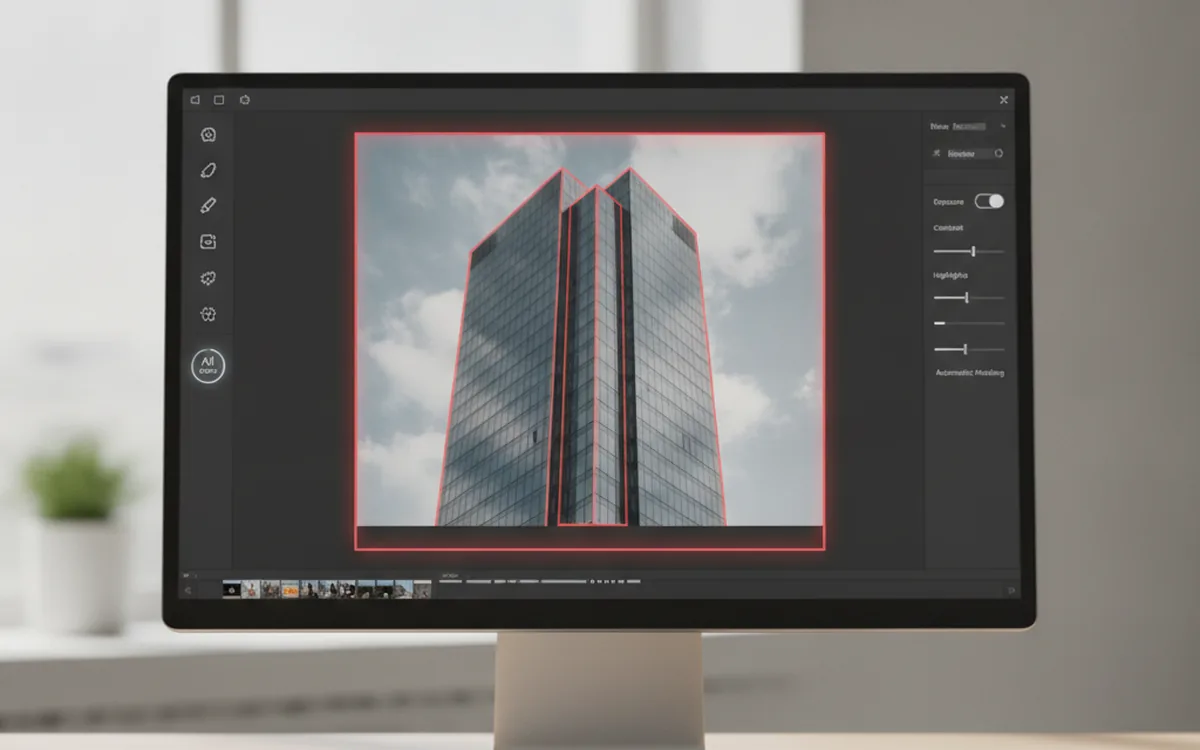
DxO released ViewPoint 6 on October 20, and the headline addition is AI-powered masking inside ReShape Fusion, the tool DxO uses to correct the geometry of individual elements in a frame — leaning buildings, stretched faces near the edge of a wide shot — without distorting the rest of the image. The new masks build the correction area around a selected element automatically, instead of requiring a manual outline (PetaPixel).
The second change is more mundane but just as relevant to a batch pipeline: the standalone application can now open RAW, TIFF, and JPEG files directly and save corrections alongside them, rather than requiring a prior export (Digital Camera World).
Desktop imaging tools keep adding a model-driven step in front of what used to be a manual selection or a hand-tuned filter, and building that step reliably — training data, inference that runs fast enough on a consumer GPU, a UI that lets a photographer correct the model's guess — is a different discipline from image-processing code on its own; teams that build this kind of feature from scratch usually bring in a generative AI integration team at YuSMP Group rather than reinventing the inference stack in-house.
AI masks reach ReShape Fusion
ReShape Fusion has existed in DxO's lineup for a few versions as a manual tool: you draw a rough outline around a leaning tower or a stretched face, and the software applies a local geometric correction inside that boundary while leaving the rest of the frame alone. The new AI masks replace the manual outline with a model that recognizes the element you clicked on — a building, a person, a window — and builds the correction mesh around it on its own. DxO is explicit that this is a selection aid, not image generation: the masks decide where the existing correction applies, they don't synthesize new pixels (Digital Camera World).
That distinction matters for anyone nervous about generative fills changing the content of a photo. An AI mask here is doing the same job a magic-wand selection or a hand-drawn polygon used to do, just faster and with fewer stray pixels at the boundary.
RAW files without a conversion step
Earlier versions of ViewPoint worked as a plugin or required a TIFF/JPEG export before you could correct geometry. Version 6 removes that step for the standalone app: it opens camera RAW files directly, applies corrections non-destructively, and keeps the adjustment alongside the original file rather than baking it into a new copy (Camera Jabber).
For a one-off correction that's a minor convenience. For a studio running the same lens-distortion or perspective fix across a shoot, it removes an export-reimport loop from a pipeline, which is the kind of friction a tool like PhotoBatch is built to eliminate on the batch-conversion side once the per-file corrections are already in place.
Why AI masking keeps turning up in desktop photo tools
ViewPoint 6 is the latest in a run of desktop imaging releases this year that add a model-driven selection or correction step in front of an otherwise manual operation — automatic subject masking, sky replacement, noise models trained per-camera. None of it replaces the underlying image-processing math; it replaces the part where a person used to draw a boundary or tune a slider by hand.
That's also why this keeps showing up as a build decision rather than a plugin choice: once a desktop app ships its own inference model, someone has to own model updates, hardware compatibility across GPUs, and a fallback path for machines without one, on top of the existing RAW-processing code. It's a reasonable reason small vendors lean on outside GenAI integration work rather than building that stack from zero.
The bottom line
ViewPoint 6's real news is the AI masks: a manual selection step in ReShape Fusion is now a model guess a photographer can correct, not draw from scratch. Direct RAW support is the smaller but more broadly useful change — one less export step between a shoot and a geometry fix, for anyone who corrects more than a handful of frames at a time.