Prismatic Software Editorial Team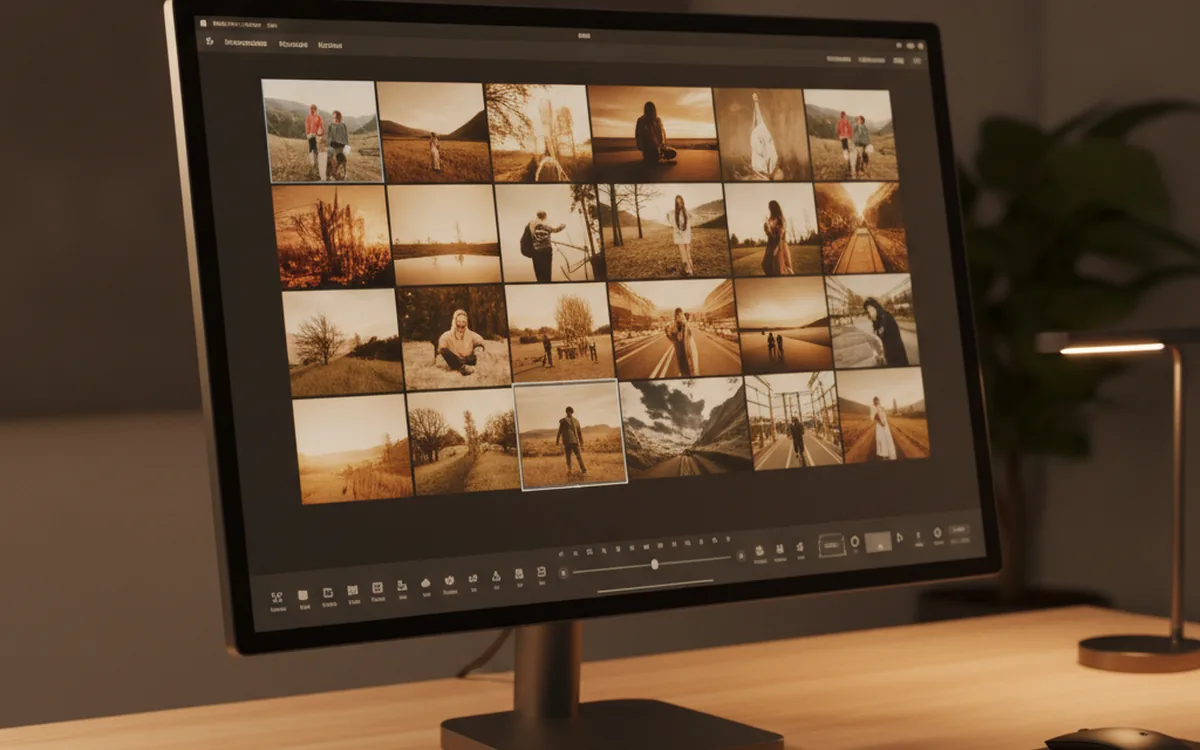
Adobe released Camera Raw 18.7 on October 16, and the headline change is a new grid view: instead of stepping through raw files one at a time, you get a 2D wall of thumbnails with ratings, color labels, and filters, so a folder of several hundred frames can be culled without ever opening Lightroom's catalog system. The same release adds Match Exposure, which reads capture metadata to normalize brightness across a selection of raw photos automatically (Adobe).
If you process a lot of raw files between a camera and a delivery folder, grid-based culling and before-the-fact-exposure normalization both shave real time off a session — which is exactly the kind of workflow a tool like PhotoBatch is built to pick up once the selects are made.
A grid view without a catalog
Camera Raw has historically been a single-image editor bolted onto Photoshop and Bridge — useful for adjustments, clumsy for sorting a thousand frames from a wedding or a sports shoot. The new grid view changes that: thumbnails lay out in a scrollable wall, you can star-rate, tag with color labels, and filter down to just the keepers, all without building or maintaining a Lightroom catalog (Fstoppers).
That matters for anyone who shoots in RAW and then has to make a fast first pass before any real editing starts — the step that eats the most time per session is usually not the edit itself but deciding what to keep.
Match Exposure: two flavors
Match Exposure by Camera Settings reads shutter speed, aperture, and ISO from each frame's metadata and normalizes exposure across the batch, so a shooter doesn't have to nudge every slider by hand after a session with mixed settings. A second mode, Match Exposure by Camera Settings & Light, also compensates for ambient light changing between frames — built with timelapse sequences through a sunrise or sunset in mind. Adobe notes both only work on raw files, since JPEGs are usually already normalized and re-matching them can misfire (Adobe).
Why this matters for a batch RAW workflow
Neither feature replaces a batch pipeline — grid culling and exposure matching happen before conversion, not instead of it. But they do shrink the part of the process that's hardest to automate: deciding which frames survive and getting their starting exposure close enough that batch output doesn't need per-file tweaking. Once that selection is made, turning the survivors into delivery JPEGs or archival TIFFs is still the same mechanical step, and it's the one worth scripting rather than clicking through by hand. See our guide to culling burst shots and near-duplicate photos for the manual-culling fundamentals these new Adobe tools are trying to speed up.
The bottom line
Camera Raw 18.7 is a culling and triage update more than an image-quality one: a catalog-free grid view and automatic exposure matching, both aimed at the unglamorous first pass every raw-heavy shoot requires. For a workflow where selects then get batch-converted and archived, that first pass getting faster is a genuine time saving, even on a Windows batch pipeline that never opens Camera Raw itself.