Prismatic Software Editorial Team
Apple's system-level RAW decoder has quietly become the backbone for a huge share of third-party photo apps on iPhone, iPad, and Mac — any app that calls into Core Image or ImageIO to open a camera-native file is handed whatever Apple's current engine produces. With iOS 27, that engine changed more than it has in years: Apple is calling it RAW 9, and describing it as the biggest update to the pipeline since the format support list itself was introduced (Apple Support).
The same release expanded hardware coverage, adding system RAW support for 11 more digital cameras across iPhone, iPad, Mac, and Vision Pro, which brings Apple's total compatibility list past 560 models from Canon, Nikon, Sony, Fujifilm, Leica, and others (9to5Mac).
A decoder change that ships silently to hundreds of millions of devices is also a reason for any studio building a photography or camera companion app to revisit how its mobile client actually opens RAW files — which is the kind of platform-tracking work that tends to land on whichever iOS development team owns the camera pipeline, rather than getting squeezed into a sprint already busy with feature work.
One model instead of two passes
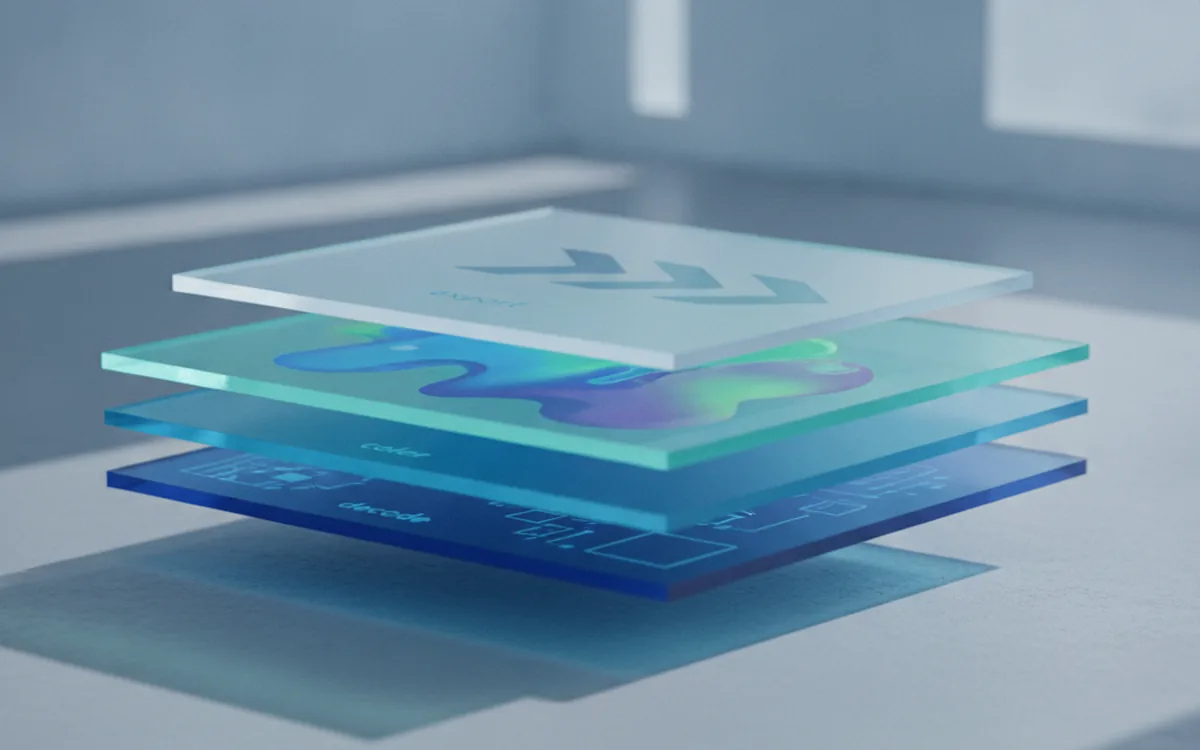
Previous RAW engines on Apple's platforms ran demosaicing — reconstructing full color from a sensor's single-color-per-pixel grid — and noise reduction as separate stages, each with its own trade-offs between detail and smoothing. RAW 9 replaces that with a single tiled Core ML model that performs both steps together, which Apple says preserves more fine detail while reducing noise more aggressively than running the two passes independently (9to5Mac).
Running on the Apple Neural Engine rather than the GPU or CPU is also what makes it practical to apply the model at full resolution on a phone: the same approach reprocesses older RAW photos already sitting in a library, not just new captures, so existing files can benefit retroactively once the OS updates.
11 more cameras, 560-plus total
Apple updates its camera compatibility list separately from the processing engine itself, and the two don't always move in lockstep. The October 6 list is the current version for iOS 27, iPadOS 27, macOS 27, and visionOS 27, and documents basic DNG support plus the three usual caveats: some cameras support lossless RAW only, a few Olympus bodies exclude RAW from High Res Shot composites, and at least one model is limited to single-shot RAW (Apple Support).
For a desktop tool, a wider compatibility list mostly means more file variety showing up in an import folder. For a mobile app that opens RAW previews directly on-device, it means a model change can shift how a photo looks the moment it's imported, before any edit has been applied.
What it means for an app, not just a photo
None of this requires action from a desktop batch tool — PhotoBatch and similar pipelines work from the camera-native file itself, not Apple's system preview, so a decoder change upstream doesn't touch the RAW-to-delivery conversion. It matters more for apps that lean on Apple's RAW rendering for in-app previews, thumbnails, or quick edits, where RAW 9's output can now look visibly different from the engine it replaces.
That's also why a studio's first move after a processing-pipeline change like this is usually a batch re-export against the actual camera files to confirm nothing drifted, rather than trusting that an in-app preview still matches a finished delivery.
The bottom line
RAW 9 is a backend change most users will never notice directly — photos will simply look a little better, with more preserved detail and less visible noise, on any app that uses Apple's decoder. For teams building on top of it, the October 6 compatibility update and the new demosaic-plus-denoise model are worth testing against deliberately, especially on anything that shows a RAW preview before export.