Prismatic Software Editorial Team
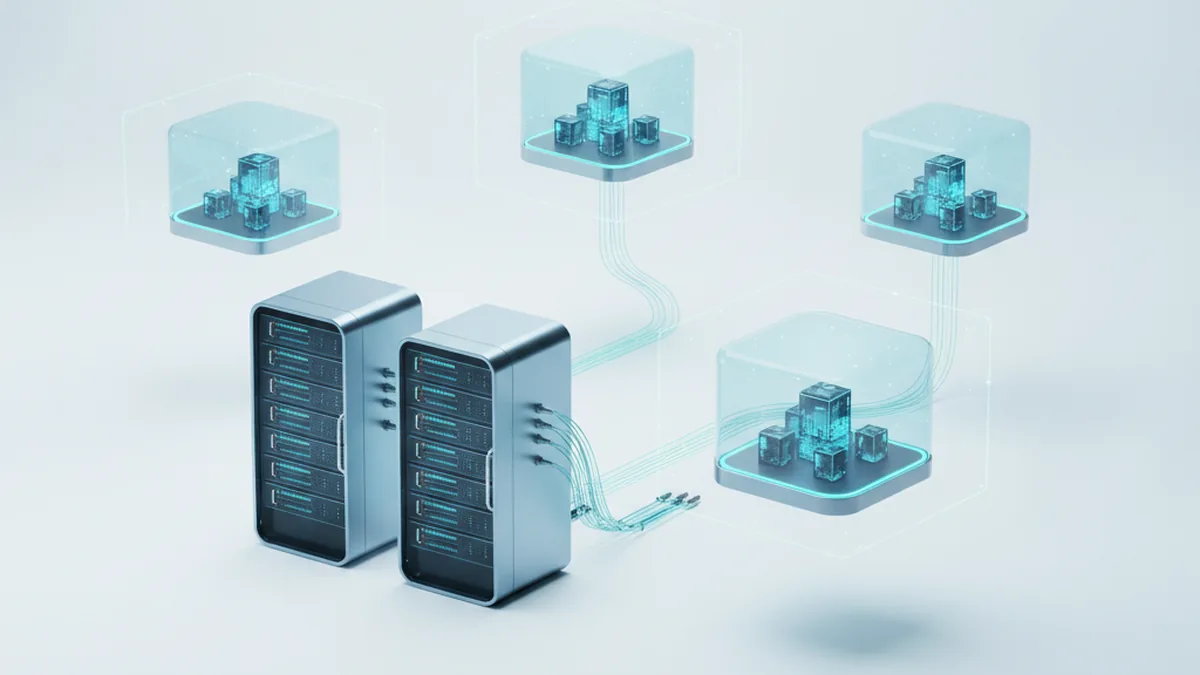
TL;DR: For a photo editing tool, multi-tenancy means isolating RAW files and other large binary assets per tenant, not just tagging database rows, making processing queues tenant-aware so one customer's bulk job can't starve everyone else's, and replacing per-customer code branches with feature flags. It's the same apartment-building idea as any SaaS: shared structure, separate units, with the added wrinkle that some units are hoarding very large boxes.
This is not about the licensing switch. See our guide on moving from perpetual licenses to SaaS pricing for that side of the transition. This is about the backend architecture itself: what changes when a desktop batch tool like PhotoTile or PhotoBatch becomes a service that many customers share at once.
We've found that teams who've only ever shipped installers get the data model wrong first, because most multi-tenant guides are written for CRUD apps with small rows, not for software whose core unit of work is a 60 MB RAW file multiplied by a few hundred. If your team doesn't have the bandwidth to re-architect storage and queues in-house, working with a SaaS development company that has already built multi-tenant backends can shave months off the timeline. More on that trade-off later.
What Multi-Tenancy Actually Means for a Photo Editing Tool
Multi-tenancy means one running application instance serves many customers, with logical boundaries keeping each customer's data, jobs, and configuration apart. For a typical SaaS, that boundary mostly lives in the database: a tenant_id column and a query filter. For a photo editor, the boundary has to cover something a CRUD app never deals with: large binary assets that dwarf the database rows describing them.
Why This Is Different From a Typical CRUD SaaS
A RAW file from a modern mirrorless body routinely runs 30–100 MB, and a studio batch can mean hundreds of them per job. The metadata row describing that file is a few hundred bytes. If your isolation model only protects the row and not the object storage path behind it, you haven't isolated the part of the system that actually holds the customer's data: the binary itself.
Choosing a Tenant Isolation Model for RAW and Image Assets
Three isolation models cover most real deployments, and the right one depends on how much a leak would cost you, not on how large your engineering team is.
Shared Storage With Tenant-Scoped Paths
Every tenant's files live in the same bucket, under a path prefixed with their tenant ID (/tenants/<id>/raw/...). It's the cheapest to run and the fastest to ship, but the isolation guarantee is only as strong as the code that enforces the prefix on every request: a single missed check in an export endpoint exposes another tenant's files.
Schema-per-Tenant for Metadata, Shared Object Storage for Binaries
A middle ground: each tenant gets its own database schema for metadata (jobs, presets, edit history), while binaries still sit in a shared bucket with enforced path scoping. This buys you per-tenant backup and restore for the data that's cheap to copy, without the operational overhead of fully separate storage for the data that's expensive to copy.
When Dedicated Storage Per Tenant Is Worth It
Enterprise customers in regulated industries, or any customer who explicitly contracts for data residency or physical isolation, usually justify a dedicated bucket or storage account per tenant. It costs more per customer and complicates provisioning automation, but it's the only model that survives a serious compliance audit.
| Model | Cost | Isolation strength | Operational complexity |
|---|---|---|---|
| Shared storage, tenant-scoped paths | Lowest | Depends entirely on code discipline | Low |
| Schema-per-tenant metadata + shared binaries | Moderate | Strong for metadata, path-dependent for binaries | Moderate |
| Dedicated storage per tenant | Highest | Strongest, physical separation | High |

Tenant isolation at the identity layer matters just as much as storage. For a broader primer on what multi-tenancy covers beyond our photo-specific case, Cloudflare's multitenancy explainer is a solid general reference.
Making the Processing Pipeline Tenant-Aware
A batch processing queue that doesn't know about tenants will, sooner or later, let one customer's job monopolize it. This is the part of multi-tenant architecture that generic SaaS guides skip entirely, because most SaaS products don't have a compute-heavy batch pipeline at their core, and a photo editor does.
Per-Tenant Queues and Fair Scheduling for Batch Jobs
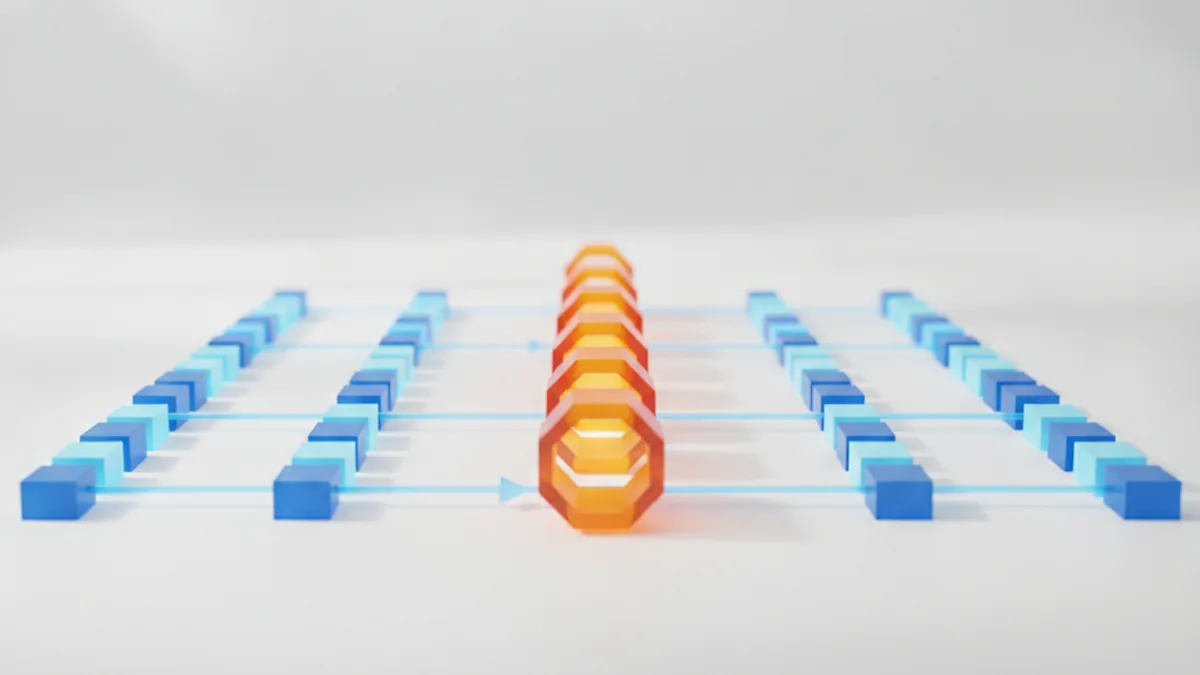
Give each tenant its own logical queue, or tag every job with a tenant ID and schedule with per-tenant weighting, so no single customer's submission rate determines how fast everyone else's jobs run. Weighted fair queuing, or even a simple per-tenant concurrency cap, solves most of this without exotic infrastructure.
Avoiding Noisy-Tenant Problems During Bulk RAW Conversion
The classic failure mode: one customer uploads a 2,000-image wedding shoot for batch conversion, and every other tenant's exports stall behind it. In our experience building batch tools like PhotoBatch, the fix is a hard concurrency ceiling per tenant on the worker pool, combined with job priority that favors smaller batches so quick single-image edits don't wait behind a bulk job from someone else's account.
Authentication and Access Control Across Tenants
Every request needs to resolve to exactly one tenant before it touches any data, and that resolution should happen in a single, auditable place, not scattered across each endpoint. Scope API tokens and session identifiers to a tenant at issuance, and make the access-control check structural rather than optional, so a new engineer can't accidentally ship an endpoint that skips it.
Replacing Per-Customer Builds With Feature Flags
Desktop ISVs often end up with a sales-driven habit: a customer asks for a tweak, and someone branches the build. That doesn't survive multi-tenancy, because you now have one running application serving everyone, not one installer per customer. A feature-flag service that toggles capabilities per tenant at runtime, such as a custom export preset, a higher batch concurrency limit, or an early-access processing model, keeps the codebase singular while still letting sales promise tenant-specific behavior.
A Step-by-Step Path From Desktop App to Multi-Tenant Backend
- Extract core processing logic from the desktop codebase into a service. The RAW decode, batch, and export logic should become something a server can call, independent of any UI loop.
- Introduce a tenant ID early, and propagate it through every layer. Retrofitting a tenant ID after the storage layer, queue, and API are already built is far more expensive than adding it from the first migration.
- Start with shared schema, don't over-engineer isolation on day one. A shared schema with tenant-scoped storage paths is enough until a specific customer or compliance requirement forces a stronger model.
- Automate tenant provisioning before onboarding real customers. Manual setup for each new tenant doesn't scale past a handful of customers and tends to drift out of sync across environments.
- Add per-tenant observability. Logs and metrics tagged by tenant ID let you see a noisy-tenant problem or a storage leak before a customer reports it.
Migrating Existing Power Users Without Breaking Their Workflow
Desktop power users built workflows around watched folders, keyboard batch actions, and local file-system access, none of which a multi-tenant backend provides by default. Keep the existing desktop license path working in parallel, and give power users an explicit, incentivized path onto the SaaS tier rather than forcing a cutover date. For the frontend side of that same transition, our related guide on migrating the frontend to the web covers what breaks in the UI layer specifically.
When to Bring in Outside Help
None of the steps above are exotic engineering, but they do require someone who has made the isolation-model and queue-design decisions before and watched which ones held up under real load. If your team doesn't have the bandwidth to re-architect storage and queues in-house, working with a SaaS development company like YuSMP that has already built multi-tenant backends can shave months off the timeline, particularly on the provisioning automation and per-tenant observability work, which tends to get deprioritized until it's already a production problem.
Frequently Asked Questions
What's the difference between multi-tenant and single-tenant SaaS for image-processing software?
Single-tenant means every customer gets a dedicated copy of the application and its infrastructure. Multi-tenant means many customers share the same running application and, usually, the same underlying infrastructure, with logical boundaries keeping their data and jobs apart. Multi-tenant is cheaper to operate at scale; single-tenant is simpler to isolate and easier to sell to compliance-sensitive customers.
Do I need a separate database per tenant for a photo editing SaaS?
Not on day one. A shared schema with a tenant_id column on every table is the fastest way to ship, and it's fine for metadata. The harder question is where the RAW files and processed binaries themselves live, since that decision is much more expensive to reverse than a database schema choice.
How do I handle large RAW files in a shared multi-tenant storage layer?
Keep binaries in object storage, not the database, and scope every object path with the tenant ID as a prefix. Enforce that scoping in the access layer itself, not just in application code, so a bug in one request handler can't accidentally read another tenant's files.
What is a "noisy tenant" problem in batch image processing?
It's what happens when one tenant submits a huge batch job and consumes enough shared compute or queue capacity that every other tenant's jobs slow down or stall. It's the multi-tenant equivalent of one studio's overnight batch run freezing out everyone else's exports.
Can I keep selling a desktop version while running a multi-tenant SaaS?
Yes, and most teams should during the transition. Keep the desktop license-check path working for existing customers while the SaaS backend matures, and treat the two as parallel products with shared processing logic rather than forcing an immediate cutover.
How do feature flags replace per-customer code branches?
Instead of maintaining a separate build or a branch in the codebase for each customer's custom requirements, a feature flag service turns capabilities on or off per tenant at runtime. The application ships one codebase; tenant-specific behavior is config, not a fork.
How long does it typically take to re-architect a desktop photo tool as SaaS?
Extracting the core processing logic into a service and wiring up a shared-schema multi-tenant backend typically runs two to four months for a small team. Tenant-aware queues, provisioning automation, and migration tooling for existing power users usually add several more weeks on top of that.