Prismatic Software Editorial Team
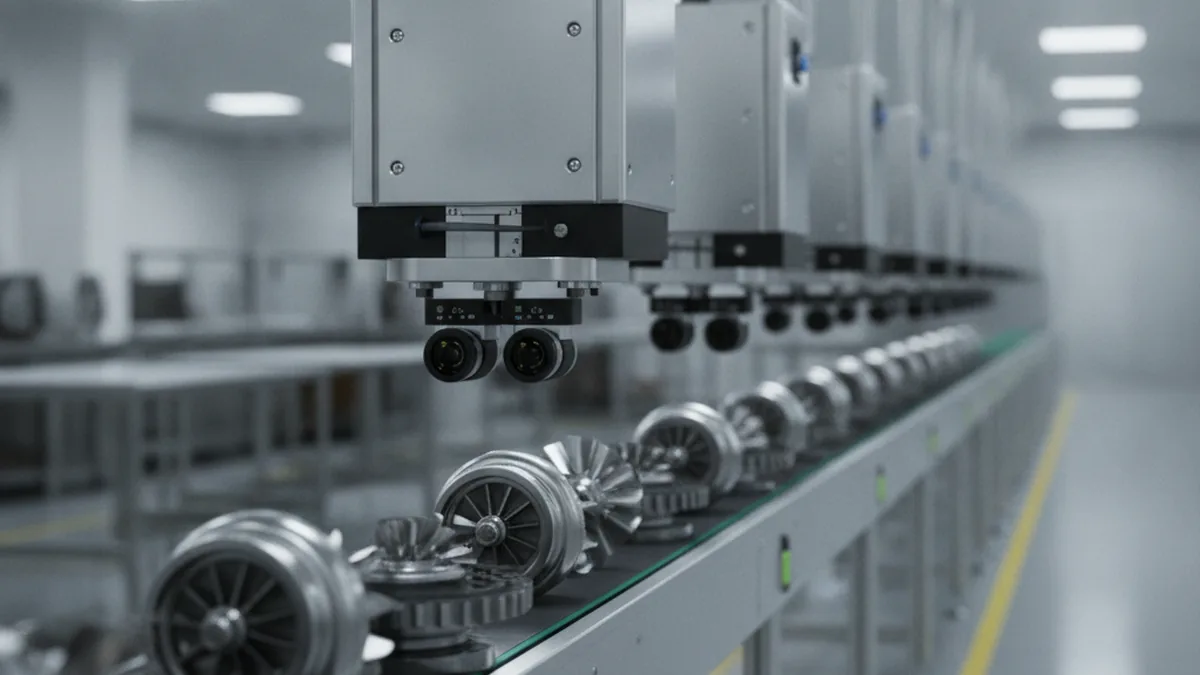
Building PhotoBatch and PhotoTile meant solving the same problem over and over: how do you move thousands of images through decode, normalize, and process steps reliably, without a single bad file stalling the batch or a format quirk silently corrupting output? That's a batch image-processing pipeline problem, and it turns out the exact same problem sits underneath machine vision quality control on a factory floor, just with a camera on a conveyor instead of a folder of RAW files, and a pass/fail decision instead of an export.
Teams outgrowing what a packaged vision tool supports (a non-standard part geometry, a legacy PLC interface, a multi-product line that one template can't cover) often end up validating that gap with the custom software development for OEMs team at YuSMP Group before committing engineering months to a full build. The rest of this piece walks through why, starting with what the pipeline actually has to do.
TL;DR: Machine vision quality control runs on the same five-stage discipline as a batch photo pipeline: capture, pre-process, detect, decide, log/archive, just tuned for real-time inspection instead of export. The two places off-the-shelf vision software tends to break down are multi-product lines and legacy factory hardware, which is where a custom pipeline earns its cost.
What Is Machine Vision in Manufacturing Quality Control?
Machine vision quality control uses cameras and image-processing software to inspect parts on a line automatically, catching defects, measurement errors, and assembly mistakes faster and more consistently than a person scanning the same part visually. A human inspector tires and judges a borderline case differently shift to shift; a vision system applies the same threshold to part 1 and part 100,000, with a record attached to each decision.
That consistency, not raw speed, is the real value: full-line coverage with a logged reason for every call, which manual sampling inspection can't match.
Key Applications You'll Actually Build Pipelines For
Most manufacturing vision deployments fall into four recurring categories, each with a different detection approach even though the pipeline skeleton underneath is shared.
Surface Defect Detection
Scratches, dents, discoloration, and material inconsistencies on a part's surface, typically caught with high-resolution imaging under controlled lighting that makes subtle defects visible against a consistent background. Lighting setup matters as much as the model: a defect invisible under flat lighting can become obvious under raking light at the right angle.
Dimensional Measurement
Verifying that a part's physical dimensions (hole diameter, gap width, overall length) fall within tolerance, using calibrated cameras and known reference points rather than defect classification. This is measurement, not detection, and needs its own calibration and drift-monitoring discipline separate from defect-detection stages on the same line.
Assembly Verification
Confirming that every component that should be present on an assembled unit actually is (a screw seated, a label applied, a connector clicked in) and that nothing is in the wrong position: a presence/absence and positional check more than a quality judgment call.
Packaging and Label/Barcode Inspection
Verifying that a package seal is intact, a label is correctly printed and positioned, and a barcode or QR code scans cleanly before the unit ships. Getting this wrong (a mislabeled shipment, a code a retailer's scanner rejects) is often more costly downstream than a cosmetic defect that didn't get caught.
Anatomy of an Image-Processing Pipeline for Visual Inspection
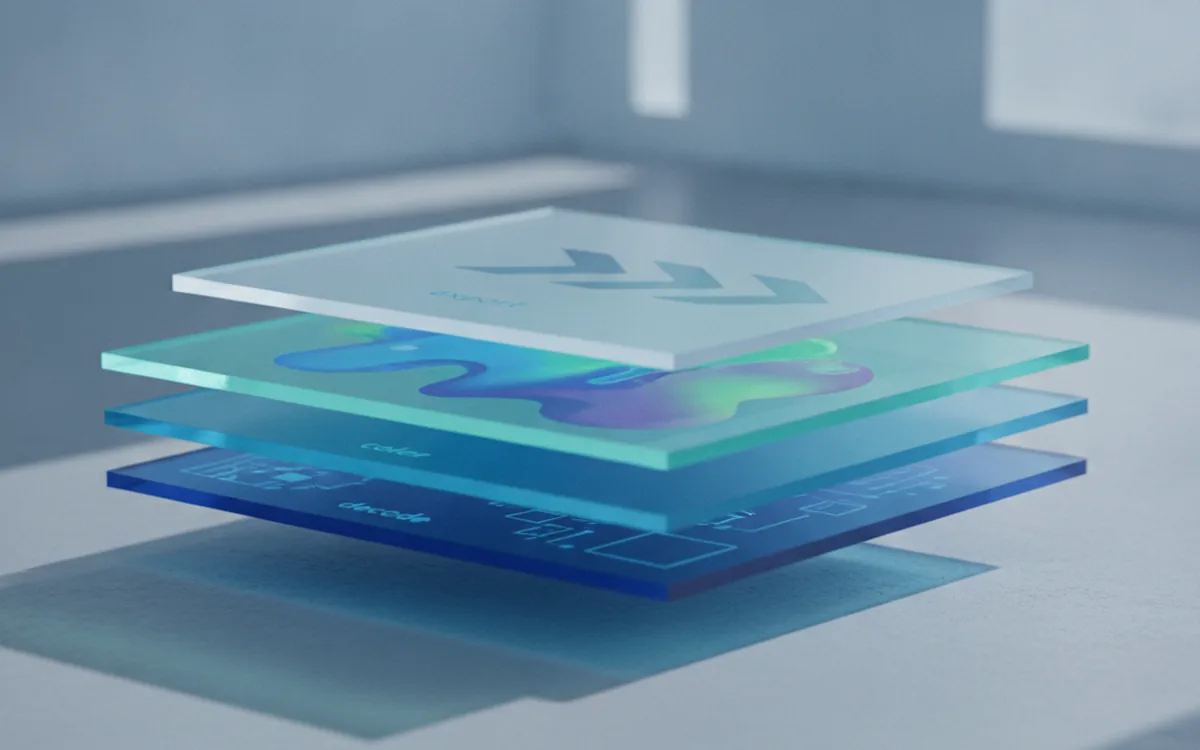
Underneath all four applications above sits the same pipeline structure, and it maps almost directly onto the batch RAW pipeline we architected for PhotoTile: capture, pre-process, detect, decide, and log, each built as a separate, swappable stage rather than one monolithic function tied to a specific part or defect type.
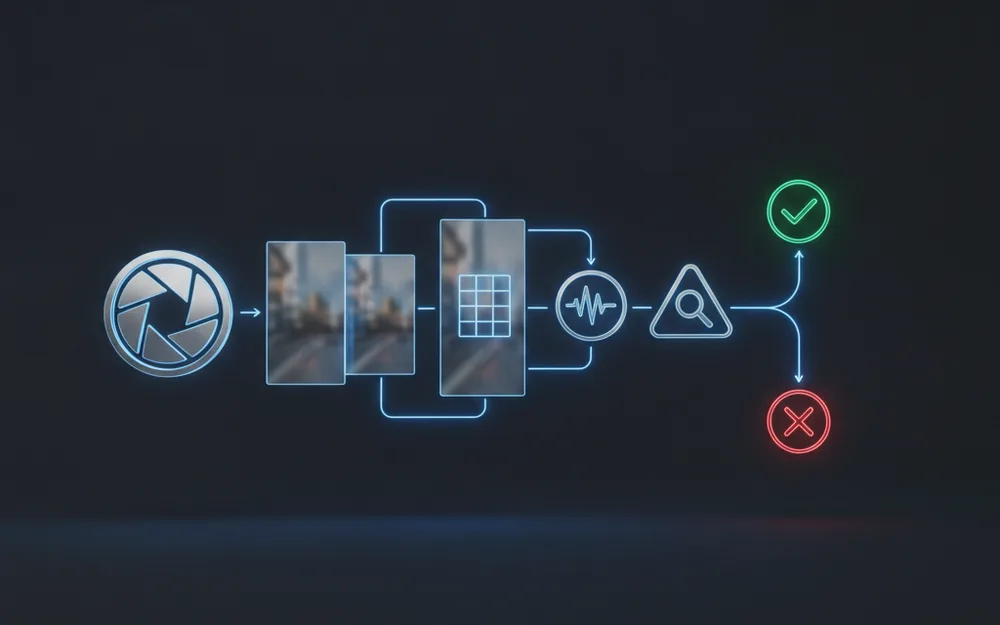
Capture Stage
A triggered camera captures the part at a consistent position on the line, timed off a sensor or encoder signal rather than a fixed interval, so the image lines up with the part despite small speed variations. Lighting is controlled and synchronized with the trigger, since inconsistent lighting is the single biggest source of false defect flags in production vision systems.
Pre-Processing and Normalization
Raw captured frames get cropped to the region of interest, corrected for lens distortion, and normalized for exposure and color before anything tries to detect a defect on them. That's the same normalization discipline a batch photo pipeline applies before editing, so the detection stage isn't compensating for capture-side inconsistency on top of its actual job.
Detection Model
A trained model (classical computer-vision rules for well-defined geometric checks, a deep-learning model for subtle or highly variable surface defects) scores the pre-processed image against what a pass looks like. Keeping this stage isolated, with its own versioned model artifact, means retraining or swapping a model doesn't require touching capture or decision logic.
Decision Logic
The model's output (a confidence score, a measurement, a bounding box) gets converted into an actual pass/fail/review decision against business-defined thresholds, a separate concern from the model itself. A model that scores "87% confidence defect" doesn't make the call on its own; the decision stage, configured per product line, does.
Logging and Archiving
Every decision, along with the image and model output that produced it, gets logged for traceability, audit, and retraining data. It's the same non-destructive-record discipline a photo pipeline applies to an edit history, applied here to an inspection outcome instead of a creative edit.
Edge vs. Cloud: Where Should the Pipeline Run?
Real-time inspection decisions need to happen at the edge, close to the line, because a pass/fail call that arrives after the part has already moved to the next station is useless. Cloud's role is different: aggregating defect data across lines or plants, retraining models on a growing dataset, and running compute that training needs but real-time inference doesn't. A practical architecture runs inference at the edge and ships logged results to the cloud asynchronously for retraining and cross-line analytics, rather than forcing one deployment model to do both jobs.
Why Off-the-Shelf Vision Software Doesn't Fit Every OEM
Packaged vision software covers the common case well: a single product on a dedicated line, standard part geometry, modern factory hardware with documented interfaces. It strains the moment an OEM runs several product variants through one line, each needing its own reference template and tolerance set the packaged tool's configuration screen wasn't built to switch between quickly. It strains further against legacy factory hardware: a PLC or line controller with a non-standard signal interface the packaged tool has no connector for, leaving integration as a manual workaround instead of a supported feature. Those two gaps, multi-variant lines and legacy integration, are consistently where teams outgrow what's available off the shelf.
What This Costs in Build Time vs. Buying a Packaged System
A packaged system gets a single-product line running in days to weeks, support and updates handled by the vendor, at the cost of being locked to whatever configuration flexibility shipped. A custom pipeline takes longer to reach the same first-working-build milestone, but it's built around the line's actual constraints from the start: multi-variant switching, the existing PLC interface, a defect type the vendor's model wasn't trained on. The trade-off isn't which approach is better in the abstract; it's whether the gap between what a packaged tool offers and what the line needs is small enough to live with or large enough to build around.
Frequently Asked Questions
Can one pipeline handle multiple product variants?
Yes, if detection parameters and reference templates are stored as per-variant configuration rather than hard-coded, so capture and decision logic stay shared while only per-variant thresholds change.
Do I need edge deployment or cloud for best performance?
Real-time pass/fail decisions on a moving line need edge inference for latency; cloud suits training, retraining, and aggregating defect data across multiple lines or plants.
How much training data does a vision quality system actually need?
It depends on defect variety more than raw volume: a handful of well-labeled examples per class can work for simple binary checks, while subtle or rare defects need substantially more, plus synthetic augmentation for underrepresented edge cases.
Can this integrate with our existing factory hardware and PLCs?
Generally yes, but it needs an explicit integration layer: the vision system's pass/fail output has to map to the PLC's expected signal format and timing, which off-the-shelf vision software often assumes rather than exposes as a configurable interface.
What's a realistic ROI timeline for a custom inspection pipeline?
Teams typically see payback once the pipeline replaces enough manual inspection hours or catches enough downstream scrap/rework cost; the timeline depends on current defect escape rate and line speed, which is why validating on a pilot line first matters.
What's the fastest way to validate an approach before full rollout?
Run the pipeline in shadow mode on one line, logging its pass/fail decisions alongside existing manual or legacy inspection without acting on them, then compare the two before cutting over. The NIST Manufacturing Extension Partnership publishes broader guidance on introducing quality-system changes without disrupting an existing line.
The pipeline stages above are the same discipline we apply building batch photo workflow automation for studios, pointed at a conveyor instead of an archive. Whether that pipeline comes from a packaged vision tool or a custom build, the thing worth getting right first is which parts of it your line actually needs to own.