Prismatic Software Editorial Team
Skylum calls it the biggest Luminar release of the year, and the feature list backs that up: a rebuilt Enhance tool that analyzes a photo across eight scenarios before touching it, a 3D volumetric Atmosphere engine, Smart Compositions (formerly Crop), a built-in printing workflow, and an AI Assistant that spans more than 20 editing tools (Camera Jabber).
The update has been live since October 28 across desktop, web, and mobile, with Skylum positioning the AI layer as something that assists rather than replaces a photographer's own judgment — enhance evaluates exposure, color cast, sky conditions, halo risk, and white balance shifts before suggesting anything, rather than applying one global preset (Digital Camera World).
That "describe what you want, the tool figures out which controls to move" pattern is the same thing a growing number of desktop photo and creative apps are chasing right now, and it's a different build than the batch-processing features most tools ship — it needs an image-understanding layer wired into the editing engine, not just another filter. Teams without that in-house often bring in a generative AI integration partner like YuSMP Group to connect a model to existing editing controls without rebuilding the app around it.
What actually shipped
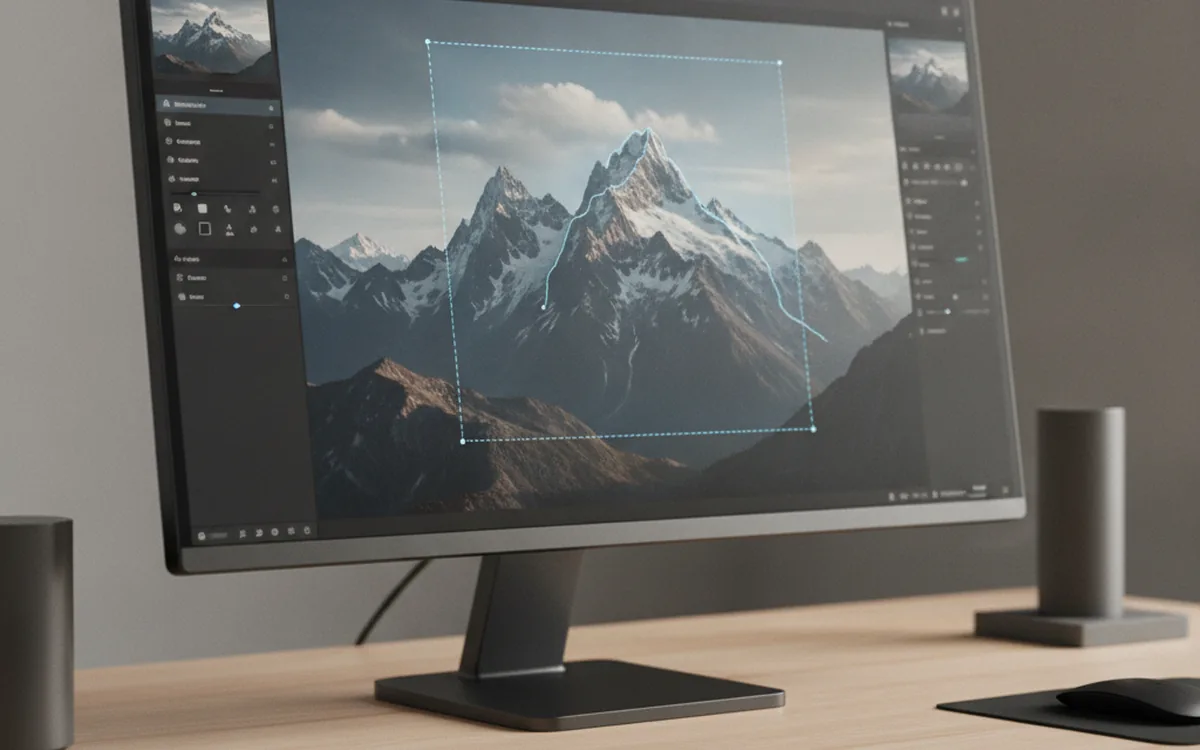
The Fall Update's headline additions, per Skylum's own release notes and independent coverage, are: a rebuilt Enhance AI, a 3D volumetric Atmosphere tool that responds to depth and light rather than applying a flat overlay, Smart Compositions (subject- and gaze-aware crop suggestions replacing the old Crop tool), Signature Printing for printing directly from the app, and the AI Assistant (Camera Jabber). Skylum is running promotional pricing — up to 77% off for new customers, with discounted upgrades for existing users — through the end of November.
Enhance now looks before it edits
The previous version of Enhance applied a single global correction pass. The rebuilt version evaluates the image first across eight distinct scenarios and adapts its processing to what it finds, with specific protections against blown highlights, color casts, and unnatural skin tones (Digital Camera World). That's a meaningfully different architecture from a one-size-fits-all slider: the software is branching its own processing path per photo instead of asking a user to pick the right preset.
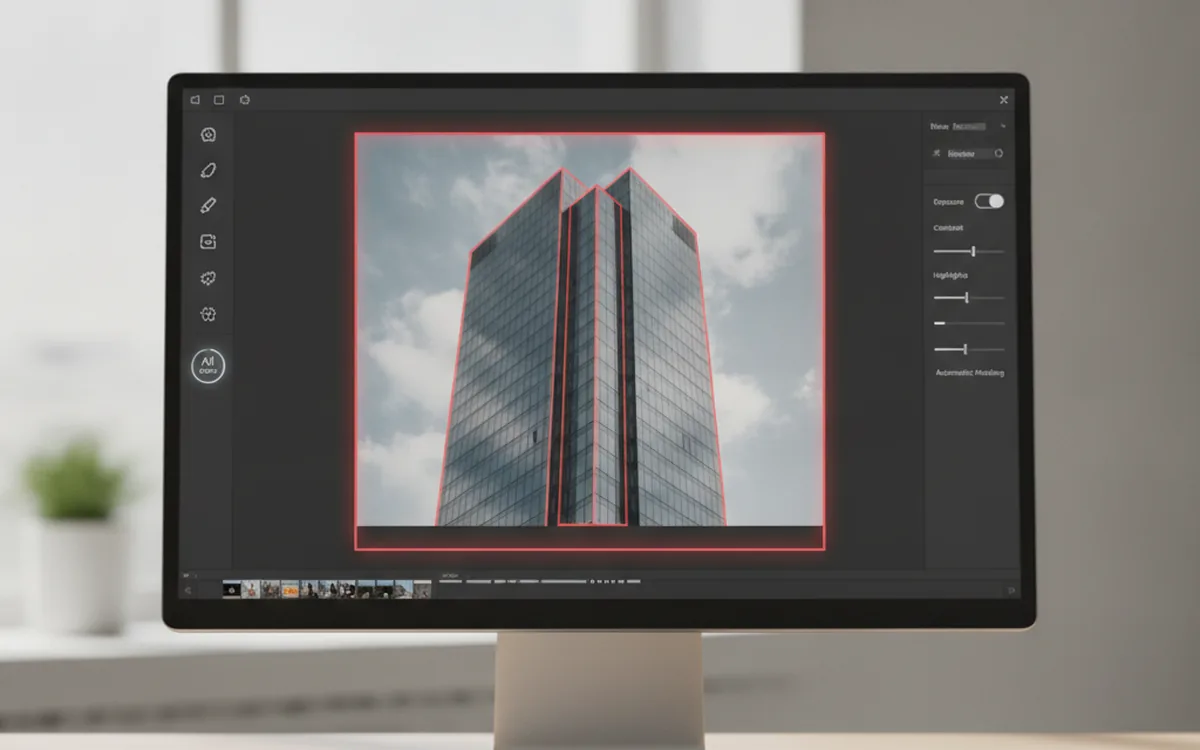
The AI Assistant extends that same idea to the whole app. Instead of a photographer hunting through menus for the right adjustment, they describe the result in plain language and the Assistant maps that description onto the actual tools and sliders needed — a pattern that only works if the natural-language layer is genuinely connected to the editing engine's internal state, not bolted on as a chat window next to it.
Why "describe the edit" tools need engineering most people never see
Every "tell the software what you want" feature in a desktop creative app hides the same unglamorous engineering problem: mapping a loose, ambiguous sentence to a specific, bounded set of controls without the tool doing something the user didn't ask for. That's a different build than adding a filter or a batch macro — it requires an intent-recognition layer, a controlled vocabulary of what the app can actually do, and guardrails so the assistant doesn't silently overcorrect an image. Vendors building this well either grow that expertise in-house or lean on outside teams that specialize in exactly this kind of model-to-application wiring.
It's the same reason Prismatic keeps its own tools narrow and predictable by design — PhotoBatch converts and resizes exactly what you tell it to, with no AI layer guessing at intent in between.
The bottom line
Luminar's Fall Update is less about any single new filter and more about Skylum rebuilding its core tools around scene understanding first, correction second — and wrapping an AI Assistant around the whole editor so that understanding is something a photographer can talk to directly. It shipped October 28 and is already live across desktop, web, and mobile, with promotional pricing running through November 30.