Prismatic Software Editorial Team
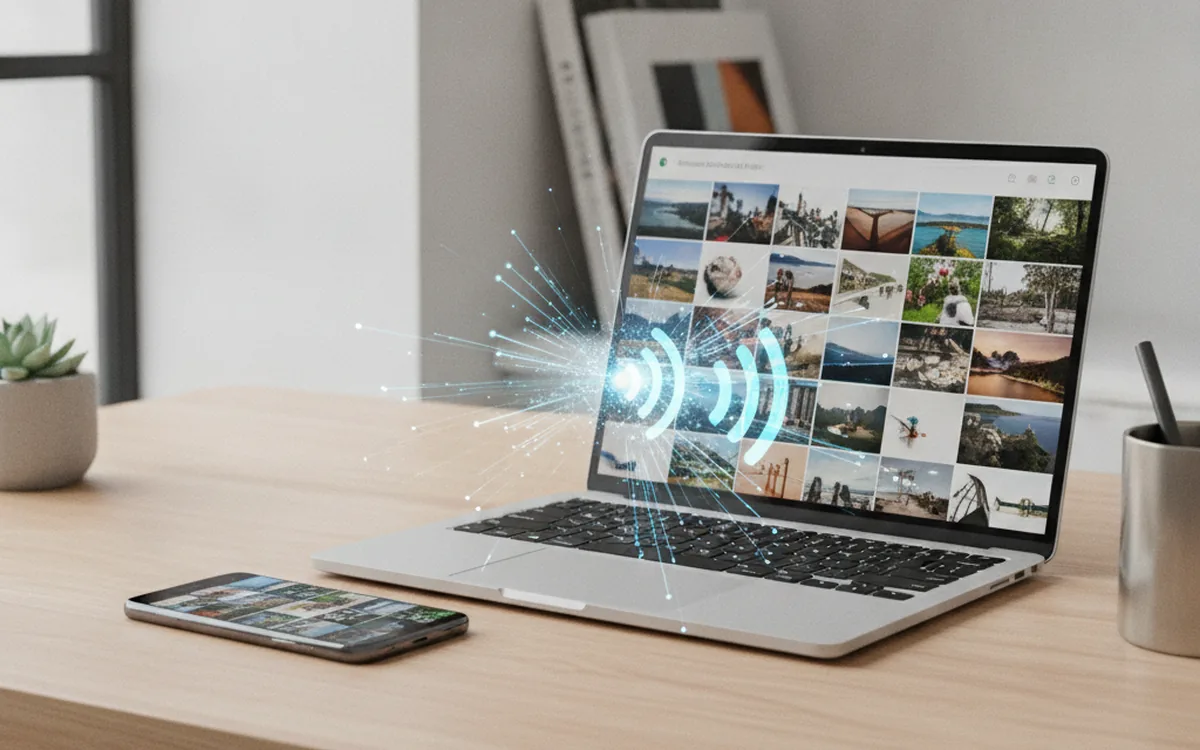
Google's November system update lists a new Quick Share capability: automatic, scheduled backup of photos and videos from an Android phone straight to a Windows PC, once both devices are signed into the same Google Account and paired over Quick Share for Windows (Android Authority). The feature ships in Google Play Services version 26.43, which Google dated November 2 in its services release notes.
Unlike Google Photos, nothing here touches Google's cloud storage — the transfer is a direct, local copy from phone to computer, and Google is positioning it as a free alternative to paid cloud backup plans for people who just want their camera roll to land on a PC automatically (TechSpot).
That's useful the moment the transfer finishes and a less useful the moment after: a folder that fills up automatically with originals is not the same thing as an organized, deduplicated photo archive. Builders shipping sync or transfer features like this one are usually also the ones who get asked to solve what happens next — vendors without that skillset in-house often bring in a mobile development team like YuSMP Group's to get the device-pairing and background-sync layer production-ready before the feature ships.
What Play Services 26.43 actually adds
The feature is initiated from the Quick Share for Windows app rather than from the phone. Once a user opts in, Quick Share backs up new photos and videos on a schedule, keeping the phone nearby and both devices on the same Google Account; a manual "transfer now" option is also available for people who don't want to wait for the next scheduled run (How-To Geek). Google is rolling the capability out in phases, so it reaches eligible devices gradually rather than all at once, and it requires Quick Share for Windows to be kept current (Android Police).
Why "local, no cloud" is the headline
Cloud photo backup has one well-known tradeoff: it's convenient until the free tier runs out, and then it's a recurring subscription. Quick Share's new mode sidesteps that by keeping the data on hardware the user already owns — the phone and the PC — instead of routing it through Google's storage infrastructure. For anyone who already treats a Windows machine as their long-term photo archive, that removes a step that used to require a cable, a card reader, or a third-party sync tool.
A phone-to-PC transfer still ends at a folder you have to manage
Automatic backup solves getting files off the phone. It doesn't solve what a photo folder looks like after six months of scheduled, unattended transfers: duplicate bursts from accidental double-taps, near-identical shots from a single scene, and a flat dump of files with no structure. That's the same problem every "just dump it in a folder" import path eventually creates, whether the source is a camera card or, now, a phone backed up automatically overnight.
It's also why a feature like this is a reasonable trigger to actually sort a growing photo library instead of just letting it accumulate — our own DupDetector was built for exactly that: pointing a scan at a folder Quick Share has been filling automatically and clearing out the near-duplicates before the archive gets any bigger.
The bottom line
Quick Share's new backup mode, live in Google Play Services 26.43 and rolling out in phases from November 2, gives Android users a cable-free, subscription-free way to keep a copy of their photos and videos on a Windows PC. It's a genuinely useful default for anyone who wants their camera roll on their own hardware — just don't mistake "backed up automatically" for "organized."