Prismatic Software Editorial Team
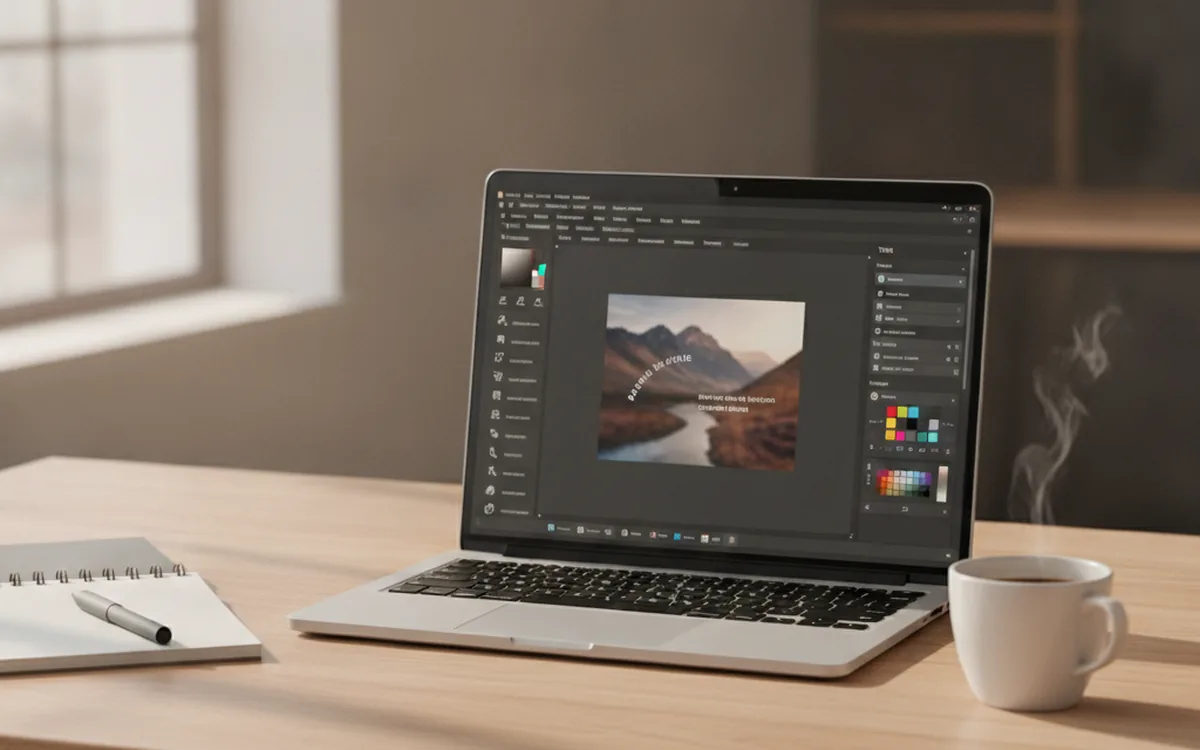
GIMP 3.2.8 shipped on November 2 as the fourth maintenance update to the 3.2 series the open-source image editor launched back in March. There's no headline feature in this one: the release notes are almost entirely bug fixes, performance tweaks, and platform-specific corrections for macOS and Windows (OMG! Ubuntu). The most consequential line in the changelog, though, is a quiet one: 3.2.8 plugs recently discovered vulnerabilities in libraries GIMP depends on (Linuxiac).
Shipping a security fix inside a routine point release, on three operating systems, without breaking the plugins and scripts users already depend on, is the kind of unglamorous engineering discipline that keeps a desktop application trustworthy for two decades. It's also exactly the kind of recurring maintenance work that pushes teams toward dedicated desktop app development services rather than carrying it all in-house as the codebase and platform matrix grow.
A maintenance release with a security patch inside
GIMP's 3.2 branch has followed a steady monthly-ish cadence of point releases since its March debut, and 3.2.8 keeps that pattern: no new tools, no UI redesign, just fixes layered on top of a stable base. The security angle is the one item in this release that users can't treat as optional. GIMP's own release notes flag patched vulnerabilities in the underlying libraries the application bundles, the same class of dependency issue that affects any desktop app built on a large stack of third-party code (Linuxiac).
That's a reminder that archiving old project files next to an old installer isn't a security plan: a photo archive that still opens with a five-year-old copy of any editor is also running whatever unpatched libraries shipped with it. Point releases like this one are the actual fix, not a version bump worth skipping.
Text tool and workflow fixes that stack up
Most of 3.2.8's visible changes are small but add up for daily use. The Text tool gets better right-to-left language support, dialogs open in better initial screen positions, the Preferences page now loads noticeably faster, and the Add Border filter can produce colorful semi-transparent borders (OMG! Ubuntu). The ability to use Offset as a non-destructive filter, which had regressed in an earlier 3.2 build, is also restored in this release (Linuxiac).
None of that is newsworthy on its own, but it's the same list every mature desktop editor accumulates between major versions: regressions caught and reverted, platform quirks on macOS and Windows ironed out one at a time, and a UI that gets slightly faster to use without anyone announcing a redesign.
Why point releases are the unglamorous backbone of desktop software
A tool like GIMP, PhotoBatch, or any editor that processes a user's RAW files and project archives has to keep working correctly on three operating systems for years, through OS updates, library upgrades, and the occasional security disclosure that has nothing to do with the app's own code. Shipping an eighth point release on a six-month-old branch, with a security fix tucked inside routine bug fixes, is what that commitment looks like in practice rather than in a roadmap slide.
It's also work that rarely gets scoped as its own project until something breaks: dependency audits, platform-specific regression testing, and a predictable release cadence are easy to defer when a team is focused on the next feature. That's the gap recurring maintenance contracts and desktop app development services exist to close — keeping the unglamorous half of a desktop application's lifecycle on schedule instead of reactive.
The bottom line
GIMP 3.2.8 won't make anyone switch editors, and that's the point: it closes a security gap, speeds up a dialog users open constantly, and fixes a handful of regressions, all without disturbing the plugins and scripts built on top of the 3.2 API. For anyone running GIMP as part of a batch workflow or archive pipeline, this is the release to install promptly rather than skip.