Prismatic Software Editorial Team
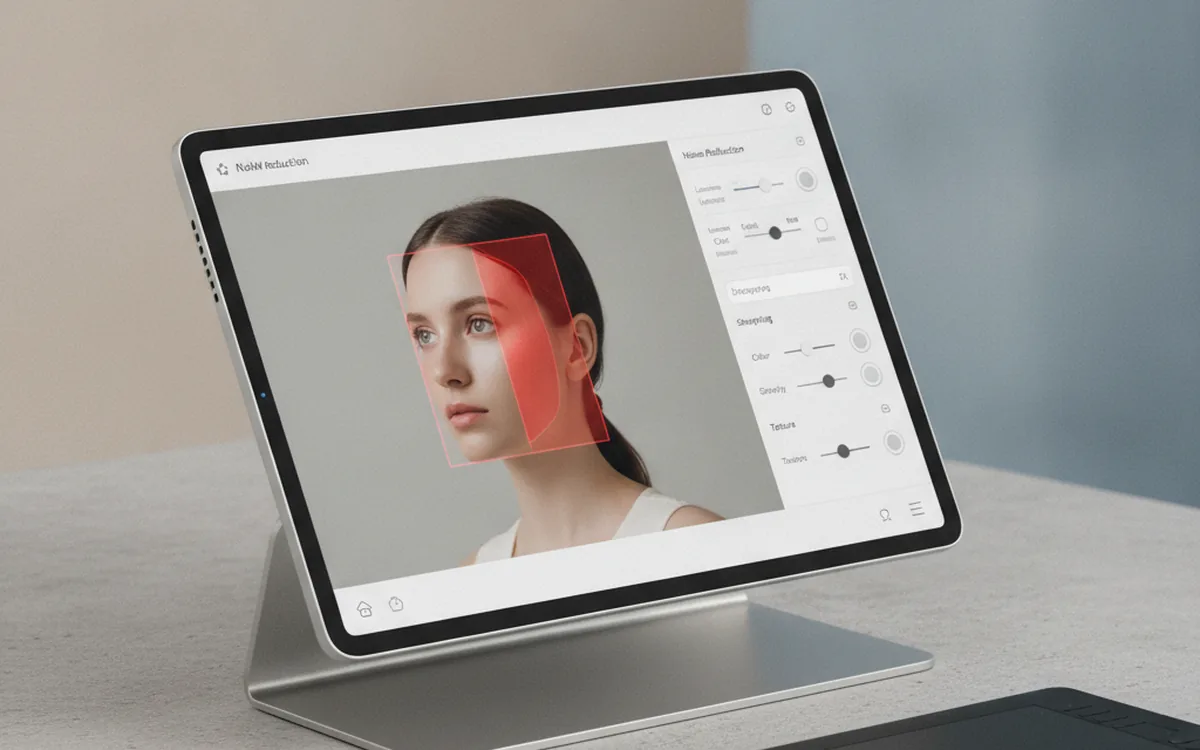
DxO released PhotoLab 10.3 on November 10. The headline change: local adjustments, the masked, selective edits already built into PhotoLab, now carry their own noise-reduction engine instead of sharing one setting across the whole frame. A photographer can reserve DeepPRIME XD3, DxO's heaviest denoising model, for a subject while the rest of the frame runs the lighter DeepPRIME 3 (PetaPixel).
The second change targets a specific workflow gap. PhotoLab can now browse and open Affinity's native .af files directly in its library, round-tripping edits back to Affinity instead of forcing a TIFF or PSD export first (Thomas Fitzgerald Photography).
Area-by-area noise reduction sounds like a minor slider addition, but it's really a masking engine quietly absorbing another editing step that used to live outside it. That keeps happening across desktop photo tools this year because building and maintaining a masking-plus-inference stack from scratch is a specific, ongoing engineering commitment. Teams that don't want to own it long-term increasingly bring in outside desktop app development services rather than growing the team in-house.
Noise reduction becomes a per-mask choice
PhotoLab's local adjustments already let a photographer paint, draw, or auto-detect a region — a face, a sky, a textured jacket — and apply exposure, color, or sharpening only inside it. Version 10.3 extends that same masking system to noise reduction, so each masked region can run its own DeepPRIME model rather than inheriting one global setting (Digital Camera World).
That matters most on frames with mixed subject matter, like a backlit portrait with a cleaner subject against a noisier shadowed background, where running one denoising setting across the whole image has always meant picking a compromise. Now the compromise only applies where a photographer chooses to draw it.
Affinity's .af files open directly
PhotoLab has sent files to Affinity for a few releases, but 10.3 closes the loop. The .af files appear in PhotoLab's library alongside JPEG and TIFF, and the app can reopen one to show the edits made in Affinity, instead of only accepting a flattened export back (PetaPixel). The same update adds support for newer RAW variants, including Sony's compressed a7R VI files, and several hundred new camera and lens profiles across PhotoLab and DxO's other apps (Thomas Fitzgerald Photography).
For a batch pipeline, that's the more quietly useful half of the release. Fewer intermediate export formats between a RAW capture and a finished file means fewer places for metadata, color profile, or crop information to get dropped along the way, the same class of problem a tool like PhotoBatch is built to avoid on the delivery-conversion side once the edit itself is locked in.
Why masking keeps swallowing more tools
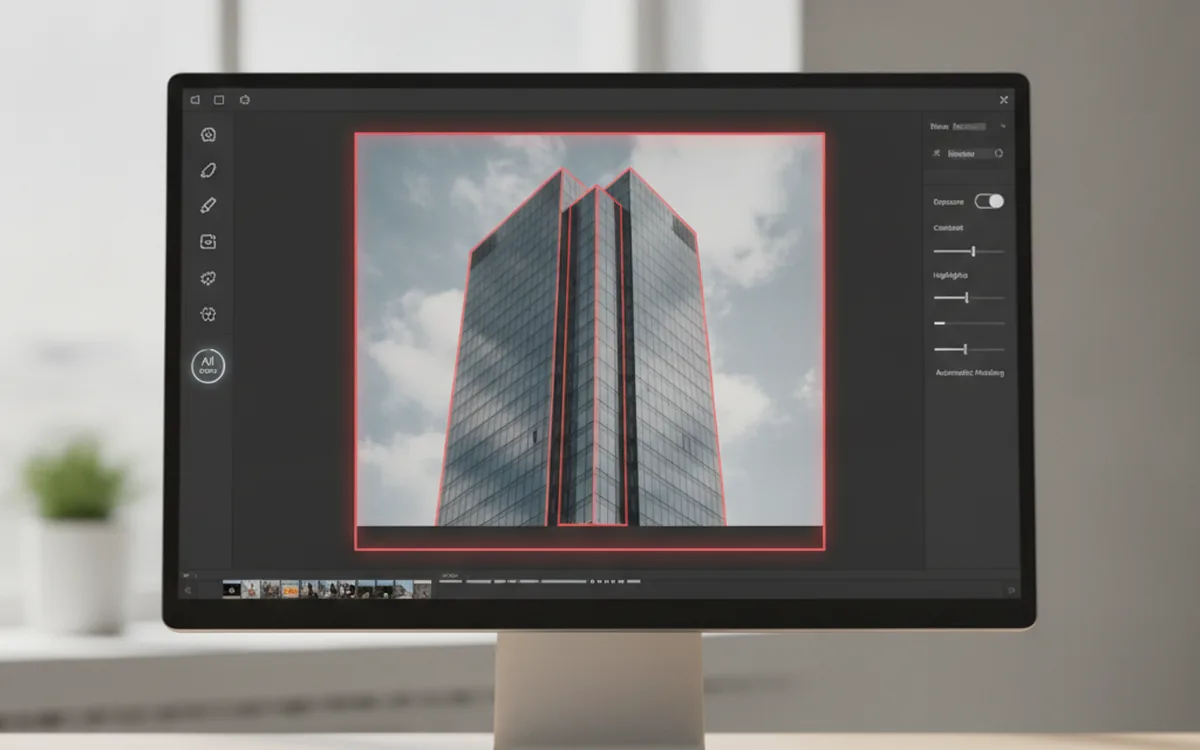
PhotoLab 10.3 is part of a pattern this year. Desktop photo tools keep folding what used to be a separate filter or a separate app into the masking layer itself, so a single selection drives several kinds of correction at once instead of one. Noise reduction here, AI-driven geometry correction in DxO's own ViewPoint 6 a few weeks earlier: the selection step is becoming the thing vendors differentiate on, not the underlying processing math.
That shift raises the bar for anyone building this kind of software from scratch. A masking system that also has to route different processing models per region, keep inference fast enough on consumer hardware, and stay reliable across file formats is a different, ongoing maintenance load than a single global filter. That's a reasonable part of why smaller teams building desktop photo software lean on outside desktop app development services for that layer rather than carrying it alone.
The bottom line
PhotoLab 10.3's real change is structural, not cosmetic: the same masking system that already handled exposure and color now handles noise reduction too, region by region. The Affinity file support is the smaller but more broadly useful change for anyone splitting an edit across two applications without wanting to re-export at every handoff.