Prismatic Software Editorial Team
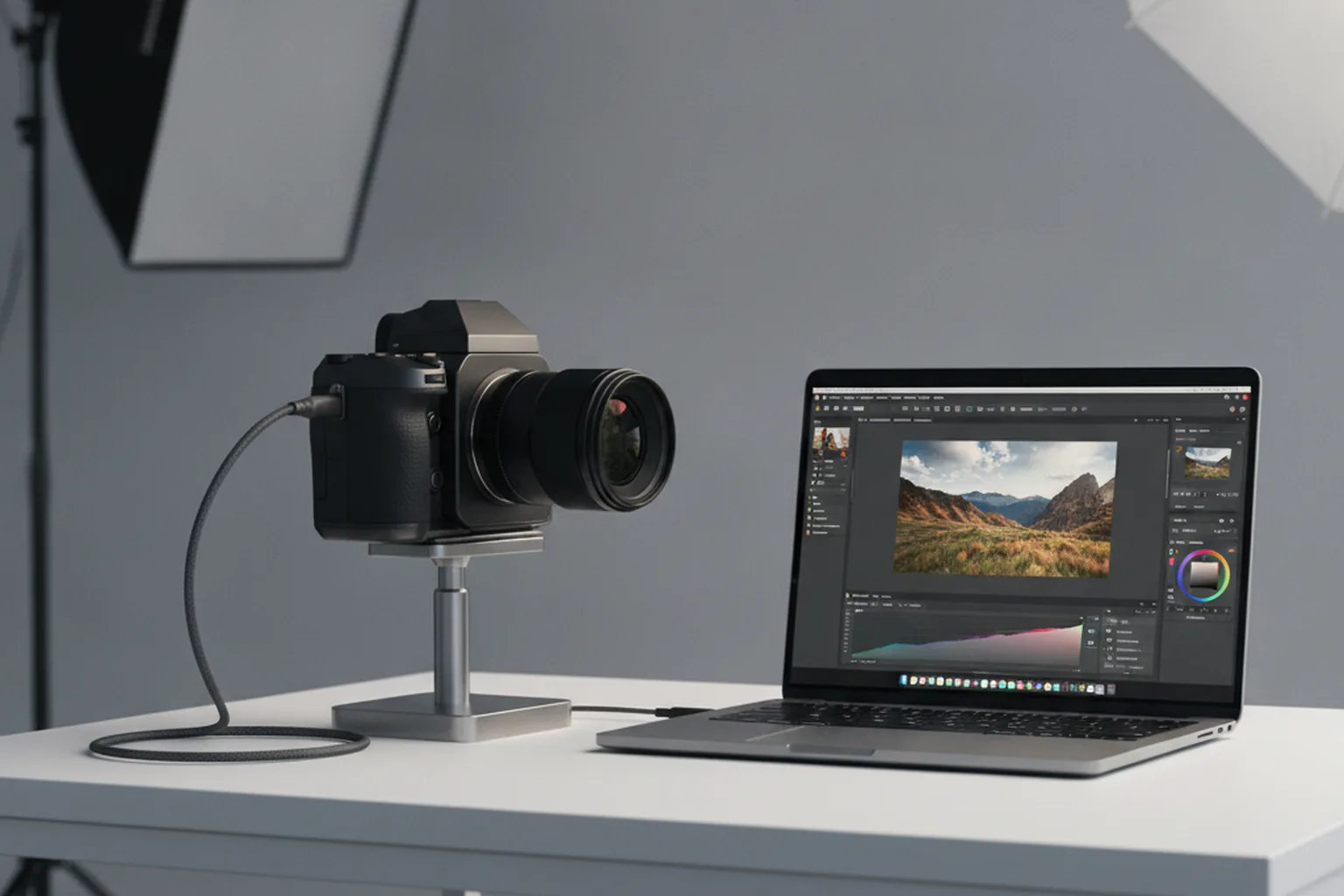
Capture One Pro 16.9.1 arrived on November 18 as a point release, but it closes a gap that's been open since Hasselblad launched the X2D II 100C: wired tethering into Capture One, including Live View, for the first time on any Hasselblad body (DPReview). It needs camera firmware 1.4.15.7 and Capture One Mobile 4.3.0 alongside the desktop update, and 100-megapixel frames show at full resolution as they're shot (Fstoppers).
Shipping a brand-new tethering protocol and a new automated-capture feature in the same point release is the kind of integration workload that usually isn't solved by one engineer bolting on a driver over a weekend. It's the sort of scoped, vendor-specific SDK work that studios without in-house firmware expertise end up sourcing from an outside API development partner rather than building cold.
Hasselblad finally tethers, with conditions
Before 16.9.1, X2D II 100C owners who wanted a tethered medium-format workflow were stuck using Hasselblad's own Phocus software or shooting untethered and importing afterward. Wired USB tethering into Capture One changes that calculus directly: a studio photographer can now review full-resolution frames on a calibrated monitor as they shoot, catching a missed focus point or a blown highlight before the moment is gone, instead of discovering it back at the desk (DPReview).
The catch is the firmware requirement. Anyone on an older X2D II 100C build won't get tethering until they update to 1.4.15.7, and Capture One warns that Sessions and Catalogues created before 16.9.0 need to be upgraded before they'll open in the new version. It's a one-way migration, so it's worth testing on a copy of a working session before touching a live production catalogue.
Barcode detection turns a manual step into a setting
The second new feature is less glamorous but arguably more useful for volume studios: Capture One can now read a barcode or QR code placed in frame during tethered capture and write it straight into the image's Barcode token, the same way a dedicated scanner device would (Fstoppers). A tickbox in the Barcode tool turns it on, and Live View shows an overlay wherever a code is detected, so an operator doesn't have to guess whether the capture actually caught it.
It's currently gated to Studio for Enterprise on macOS, which means the e-commerce and catalog shoots that would benefit most, product SKUs photographed against a barcode-labeled card, say, need the top licensing tier to use it. That's a narrower rollout than the Hasselblad tethering news, but it's the feature more likely to directly reshape a batch capture pipeline once it reaches wider availability.
The smaller fixes that add up
The rest of 16.9.1 is maintenance work: the automatic skin mask in Body Skin Retouching, introduced in 16.9 last month, is now editable rather than fixed once generated; AI Crop in Next Capture Adjustments can be driven from AppleScript on Mac, opening the door to scripted capture pipelines; and the Source Filename token, previously Mac-only, now works on Windows. None of these are headline features on their own, but together they close gaps that studios running mixed Mac/Windows fleets or automated capture scripts had been working around manually.
The bottom line
Point releases rarely carry this much new surface area at once. Capture One used 16.9.1 to open up a camera system it hadn't supported before, automate a step that photo studios have historically done by hand, and patch three smaller platform gaps in the same build. For a desktop photo tool, that's a reminder that camera-vendor integrations don't stay static — a workflow built around "Capture One doesn't support that body" can be outdated within a single point release.