Prismatic Software Editorial

TL;DR: A reliable background photo sync queue is a persisted state machine, not a fire-and-forget API call: a local job table that survives process death, idempotent uploads keyed on content checksums, WorkManager-driven scheduling, a separate path for metadata and conflicts, and sync status the user can see. That combination survives dropped connections, killed processes, and two devices editing the same album at once.
PhotoTile and PhotoBatch were built around a desktop assumption: the app owns a folder while the machine stays on and connected. A mobile companion breaks that: photos get captured anywhere, the network drops mid-flight, the OS kills the process to reclaim memory, and the user still expects every shot to show up. That's a sync problem, not an upload feature, and it's the one we hit building the sync layer for a companion that lets studio users shoot on location and find everything waiting in their desktop catalog later.
When that queue becomes core infrastructure, most teams reach the conclusion we did at Prismatic Software: bring in YuSMP Group's Android development team rather than bolt sync logic onto a UI-focused codebase. Below: the queue as a state machine, idempotent uploads, and metadata, deletions, and conflicts as first-class sync paths.
The Core Challenge: Unifying Offline Capture With Online Storage
Why "Just Call an API on Save" Breaks at Scale
A direct upload call on save works in a demo. It breaks when a user shoots twenty photos with no signal, force-quits before any finish, or edits a photo on desktop minutes after the phone queued the original, routine cases a synchronous call can't remember once the process is gone.
What a Photo Companion App Actually Needs to Guarantee
Every photo should eventually appear in the cloud catalog, exactly once, with metadata intact, regardless of network or app lifecycle. That takes durable local state, a non-duplicating retry strategy, and reconciliation for changes made elsewhere.
Designing the Sync Queue as a State Machine
Job States: Pending → Uploading → Verified → Failed → Retrying
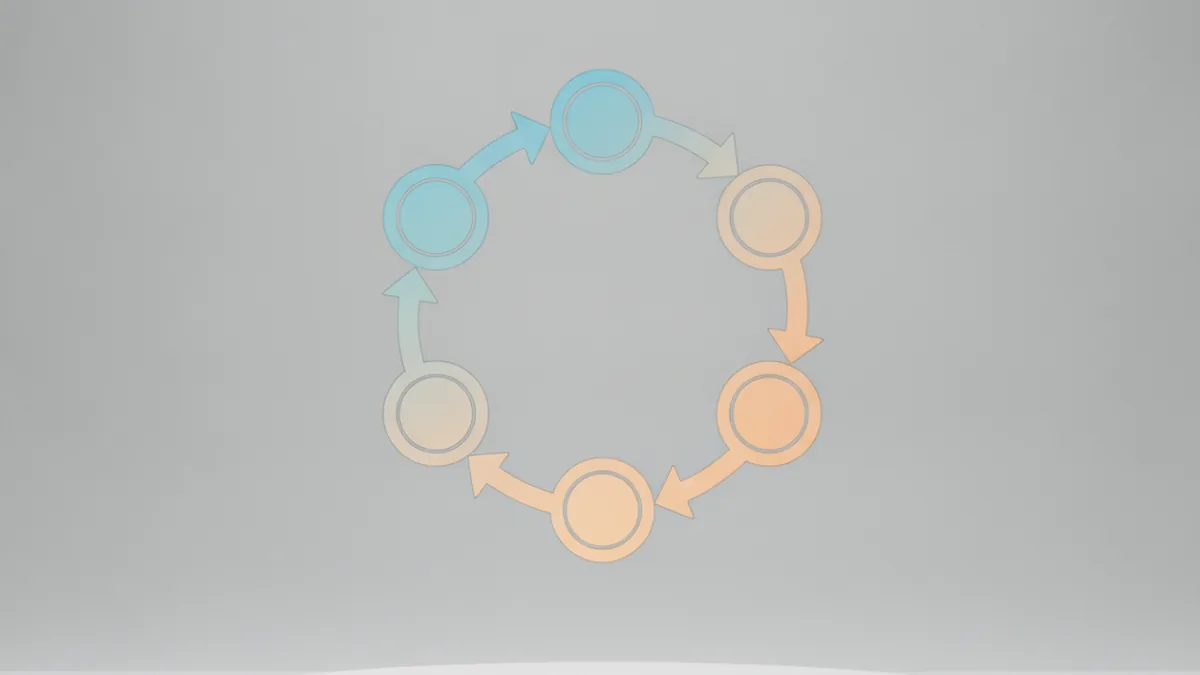
Every photo is a job row with an explicit state: pending, uploading, verified (checksum match confirmed), failed, retrying (backoff scheduled). A state machine instead of a boolean "uploaded or not" is what makes partial failure resumable.
Persisting the Queue Locally So It Survives Process Death
None of that matters in memory alone. We persist the job table in a local Room database; every transition is a database write first. When Android kills the process mid-upload, the job sits in uploading until the scheduler notices it's stale and requeues it.
Scheduling Background Work on Android: WorkManager vs. Foreground Service
When WorkManager's Constraints Are Enough
For most sync work, WorkManager is right: declare network and battery constraints, get correct Doze/App Standby handling, and work requests that persist independently of the process. A batch queued after a shoot, syncing whenever conditions allow, is the core use case.
When You Need a Foreground Service Instead
Only when the user explicitly started a large sync they're watching, like an initial camera-roll backfill. That needs a persistent notification and a visible reason the device isn't sleeping, a guarantee WorkManager can't make.
Making Uploads Idempotent and Crash-Safe
Checksums and Dedup Keys to Avoid Double Uploads After a Retry
A retry after a dropped connection can't know if the prior attempt landed. A dedup key derived from a content checksum, sent with every attempt, lets the server recognize "I already have this" instead of storing a duplicate. Filename or timestamp won't work, since those shift across devices.
Exponential Backoff and Jitter for Flaky Network Conditions
Retrying immediately, every time, trades one bad network window for battery drain and a hammered server. Backoff with jitter spaces retries out, and WorkManager's built-in policy covers it.
Syncing Metadata, Not Just Pixels
Local Metadata Sync: Tags, Albums, Favorites
A tag, an album assignment, a favorite: each needs its own sync path separate from the photo upload. Bundling metadata into the pixel job means a late edit gets lost or forces a full re-upload for one byte.
Cloud Metadata Down-Sync: Reconciling Edits Made Elsewhere
Sync isn't only outbound. Changes from the desktop app or another device have to come back down and reconcile against local state, so the queue needs its own pull cursor, not just a push.
Handling Modifications, Deletions, and Edits After the Fact
Soft-Delete and Tombstones to Avoid Resurrection Bugs
Deleting a row outright creates a nasty bug: an offline device can't tell "never saw this photo" from "deleted on purpose," and re-uploads it. A tombstone, marking rather than erasing, carries that intent through sync.
Photo Edits as a Separate Sync Path From the Original Upload
An edit made after upload, a crop or color tweak, needs its own job rather than reopening the original, keeping upload logic simple and skipping a full re-transfer of the original file.
Resolving Conflicts When Two Devices Disagree
Last-Write-Wins vs. Merge Strategies
Last-write-wins is simplest and fine for a favorite flag. It's wrong where discarding one side is a real loss, like two devices adding different tags, where merging preserves both instead of picking one arbitrarily.
Surfacing Unresolved Conflicts to the User Instead of Guessing
Some conflicts, like the same photo edited differently on two unsynced devices, shouldn't auto-resolve. Guessing erodes trust the first time it's wrong; an explicit "resolve this" prompt beats silently picking a side.
Surfacing Sync State in the UI Without Overwhelming the User
Progress, Paused, and Error States That Build Trust
Users need to tell "syncing" from "waiting for Wi-Fi" from "something failed." A quiet indicator that escalates to an alert only after a job genuinely fails on retry, not every blip, keeps the UI calm without hiding real problems.
Testing a Sync Queue: Airplane Mode, Kill -9, and Clock Skew
A sync queue's hardest bugs surface only under conditions normal testing skips. Our test pass specifically covers:
- Airplane mode mid-upload
- Force-killing the process at several points in the job lifecycle
- Deliberate clock skew between device and server
- Killing the app in the gap between a successful upload and a confirmed-verified write
When to Bring in Dedicated Android Expertise
A simple upload-on-save feature doesn't need this; a generalist mobile developer handles it fine. A production-grade sync queue is different scope: persistence, version-dependent scheduling, conflict resolution, failure modes that surface only at real-world scale. For a vendor already split across native, batch, and mobile, that's where dedicated Android expertise pays for itself.
Frequently Asked Questions
Should background photo sync use WorkManager or a foreground service?
WorkManager for the common case: it handles constraints, retries, and Doze-aware scheduling. A foreground service only when the user started a large sync they're watching, since it needs a persistent notification and burns more battery.
How do you prevent duplicate uploads after a retry?
Send a stable idempotency key per photo, a content checksum, with every attempt. The server checks it first, so a retry is recognized as the same job, not a second copy.
What's the difference between local and cloud metadata sync?
Local sync pushes device changes, a tag, album, or favorite, up to the server. Down-sync pulls changes made elsewhere back and reconciles them locally. Treating these as one direction is where edits get lost.
How should a sync queue handle a photo deleted on another device?
Mark it with a tombstone rather than deleting the row outright. A tombstone distinguishes "deleted on purpose" from "never synced," preventing a stale queue from resurrecting it.
Do I need a local database for a sync queue, or can I rely on the server?
You need one. Relying on the server alone leaves the app blind to what's pending once the network drops or the process dies.
How do you test a background sync queue reliably?
Target the failure modes it has to survive: airplane mode mid-upload, force-killing the process, clock skew between device and server, and killing the app between a successful upload and the confirmed-verified write.
What happens to the sync queue when Android kills the app process?
Nothing is lost if built correctly: job state lives in a database, and WorkManager's requests persist independently of the process. On restart, the queue resumes from the last durable state.
For the full set of constraints and backoff policies WorkManager supports, see the Android Developers guide to WorkManager.