Prismatic Software Editorial Team
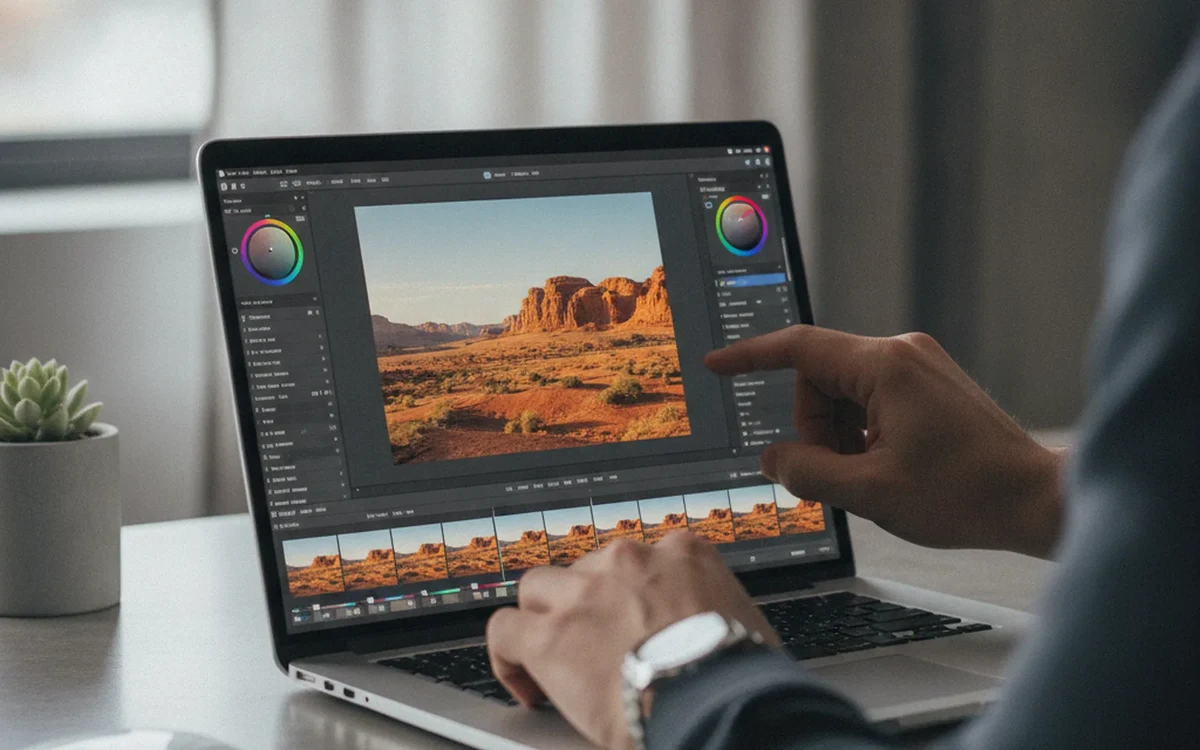
Adobe updated Camera Raw to version 19.0 on November 10, alongside a separate round of Lightroom Classic changes, rolling out a list of tweaks that's unusually long for what Adobe itself didn't frame as a headline release (PetaPixel). The most consequential addition is virtual copies, a feature Lightroom users have had for years that lets a photographer keep multiple distinct edits of one file without duplicating the original on disk. It's now available directly inside ACR, with each version's edits preserved between sessions (DPReview).
A RAW tool that adds version management, batch metadata grouping, and cross-file edit sync in one release is exactly the kind of scope creep that turns a "simple RAW converter" into a small database application under the hood. It's tracking edit history per version, indexing capture metadata for grouping, and propagating a single mask across a selection of files without corrupting any of them. It's the same engineering territory photo and imaging vendors run into when a one-time-purchase tool starts accumulating workflow features faster than its original architecture was built for, which is often where it makes sense to bring in YuSMP Group to restructure the data layer before adding the next feature on top of it.
Virtual copies finally reach Camera Raw
Virtual copies now let a photographer keep multiple distinct edits of the same RAW file, say a black-and-white version and a color version, without duplicating the original on disk; each version's adjustments persist the next time the file is opened (DPReview). Until this release, getting the same result inside Camera Raw meant either keeping separate exported copies or re-editing from scratch each time. For anyone processing a shoot where a client wants both a color and a toned set of the same selects, that's a meaningful time save over the old export-and-duplicate approach.
Camera Raw 19.0 also lets users temporarily hide photos or filter down to only selected shots within a session, which matters more than it sounds once a working set grows past a couple hundred files and the grid or filmstrip view turns into a wall of near-identical thumbnails.
Auto-stacking, but only for two camera brands so far
The update introduces the ability to group related photos into stacks, either manually or automatically using the capture metadata embedded in each file. The automatic version, though, is narrower than the headline suggests: Auto-Stack by Capture Metadata currently only works for recent Canon and Nikon cameras that shoot in the DNG format, leaving Sony, Fujifilm, and proprietary RAW shooters to stack manually for now (PetaPixel).
That kind of partial, camera-specific rollout is a familiar pattern in RAW tooling: a new capability ships behind whatever metadata a handful of manufacturers happen to expose consistently, and broader support arrives later as more camera makers standardize their tagging. It's a reminder that "supports RAW" is never a single checkbox: it's an ongoing list of per-brand exceptions that any RAW import pipeline has to track and update as new bodies ship.
Batch Generative Remove closes a real workflow gap
Camera Raw also picked up the ability to apply Generative Remove selections across an entire batch of photos in one pass. Previously, removing a recurring distraction — a stray power line, a sensor-dust spot, a photobomber in the background — meant manually masking and processing each affected image on its own. Now a photographer can select the element once on a representative frame and apply the same removal across every photo in the group (PetaPixel).
The release rounds out with an updated Glow effect (new Motion and Streak styles with adjustable length, direction, color, and softness) and a short list of new camera and lens support, including Sony's FE 8-14mm f/3.5 Fisheye G lens and new Sigma and Tamron zooms.
The bottom line
None of Camera Raw 19.0's individual additions is dramatic on its own, but together they push a RAW converter further into territory that used to belong exclusively to full digital asset managers: version tracking, metadata-driven grouping, and batch-propagated edits. Auto-stacking is still limited to Canon and Nikon DNG files for now, so most shooters will be grouping bursts manually a while longer, but the direction is clear, and it's worth watching how fast that camera-brand list grows in future updates.