Prismatic Software Editorial Team
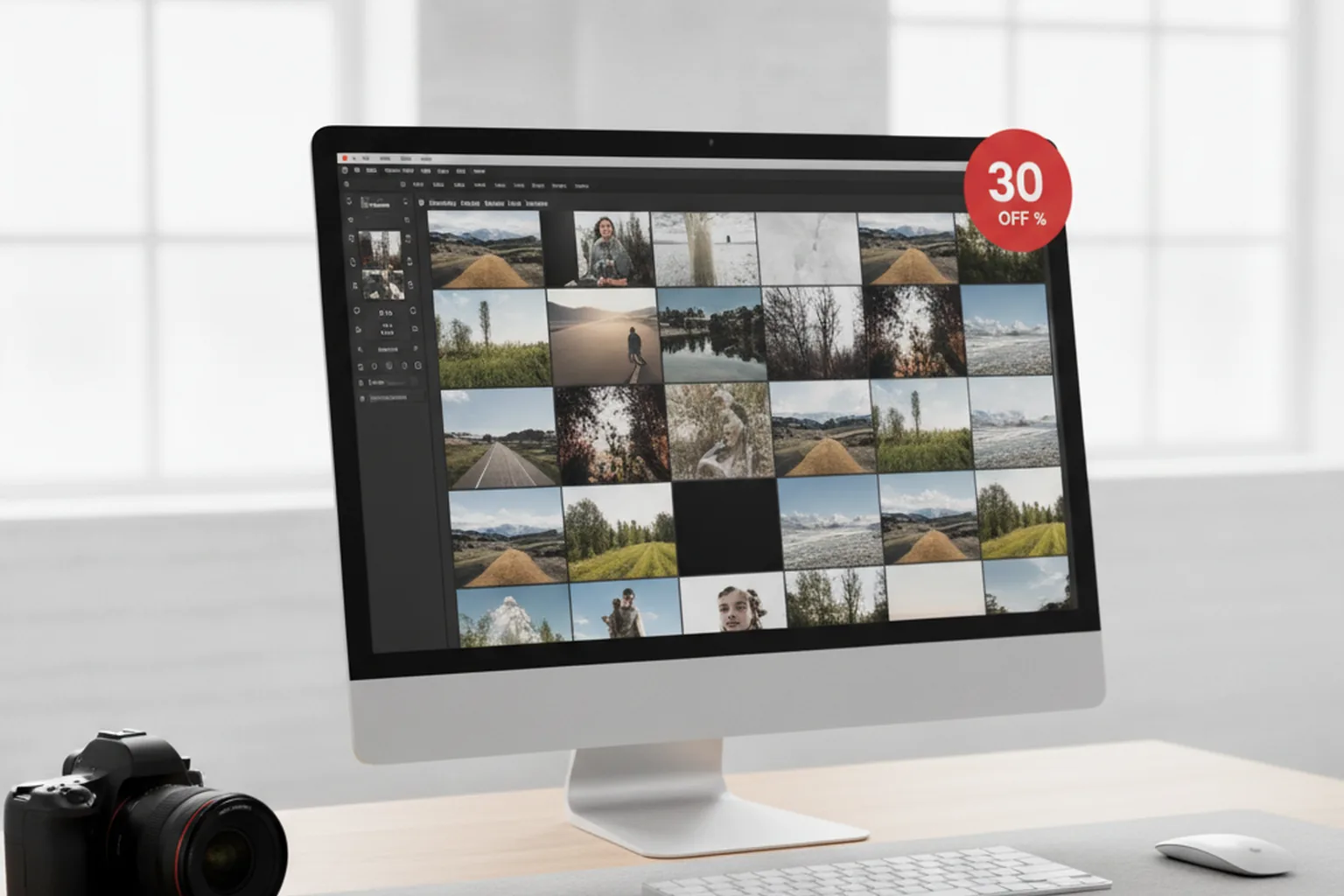
VSCO confirmed the release in its own announcement: Studio Pro Desktop is free to download for macOS, with full access to presets and batch editing gated behind a VSCO Pro or VSCO One membership (PR Newswire). PetaPixel's coverage of the launch lines up on the core feature set, RAW file support and batch operations across a 2-to-500-image range, and frames it as VSCO's first real move onto desktop after building its brand almost entirely on mobile (PetaPixel).
What Shipped, and When
Studio Pro Desktop is a native Mac build, not a wrapped web view of the mobile app: it opens RAW files directly, applies VSCO's film-inspired presets to a whole shoot at once, and exports in batch rather than one image at a time. 9to5Mac's writeup confirms the same scope, noting it's VSCO's first dedicated Mac photo editor and positioning it against the kind of volume culling and editing work photographers previously had to do in Lightroom or Capture One (9to5Mac).
A Mobile-First App Betting on Batch, Not Filters
What's notable isn't that VSCO added a desktop app, plenty of mobile-first tools eventually do, it's which feature they led with. VSCO built its name on single-photo filters and a social feed; Studio Pro Desktop's headline capability is volume: processing an entire shoot's worth of RAW files in one pass. That's a different job than the one the mobile app has done for thirteen years, and it puts VSCO in competition with desktop-native batch tools rather than other mobile editors.
It's also the exact gap a lot of photo workflow tools exist to fill. A studio or event photographer culling and batch-editing hundreds of RAW files a week has historically reached for a dedicated utility rather than a general-purpose editor retrofitted for volume, which is the same reason PhotoBatch stays scoped to one job: processing a folder of files the same way, fast, instead of trying to be a full creative suite.
Why a Desktop Rewrite Is a Different Build Than a Mobile App
Shipping "the same app, but for Mac" rarely means recompiling the mobile codebase. A desktop RAW editor needs direct access to the local filesystem for files that can run 40-80MB each, a rendering pipeline built around a mouse-and-keyboard batch workflow instead of touch gestures, and performance tuned for processing hundreds of files in one session rather than one photo at a time on a phone. None of that overlaps much with the iOS codebase VSCO has maintained since 2013.
That's consistent with why companies in VSCO's position, an established mobile product moving onto a new platform on a tight timeline, don't usually try to staff an entirely new native team from scratch internally. Ramping up specialized desktop engineering fast, without pulling the existing mobile team off their roadmap, is the scenario a staff augmentation partner like YuSMP Group is built for: senior engineers who can embed directly into a product team for exactly this kind of scoped, time-boxed platform expansion.
The Bottom Line
VSCO's first native Mac app isn't a port of its mobile editor, it's a volume tool aimed at the kind of batch RAW processing that photographers have long had to leave VSCO's ecosystem to do. Free to download, with batch editing and presets reserved for Pro and One subscribers, Studio Pro Desktop is VSCO's clearest signal yet that it sees desktop, not just mobile, as part of its product going forward.