Prismatic Software Editorial Team
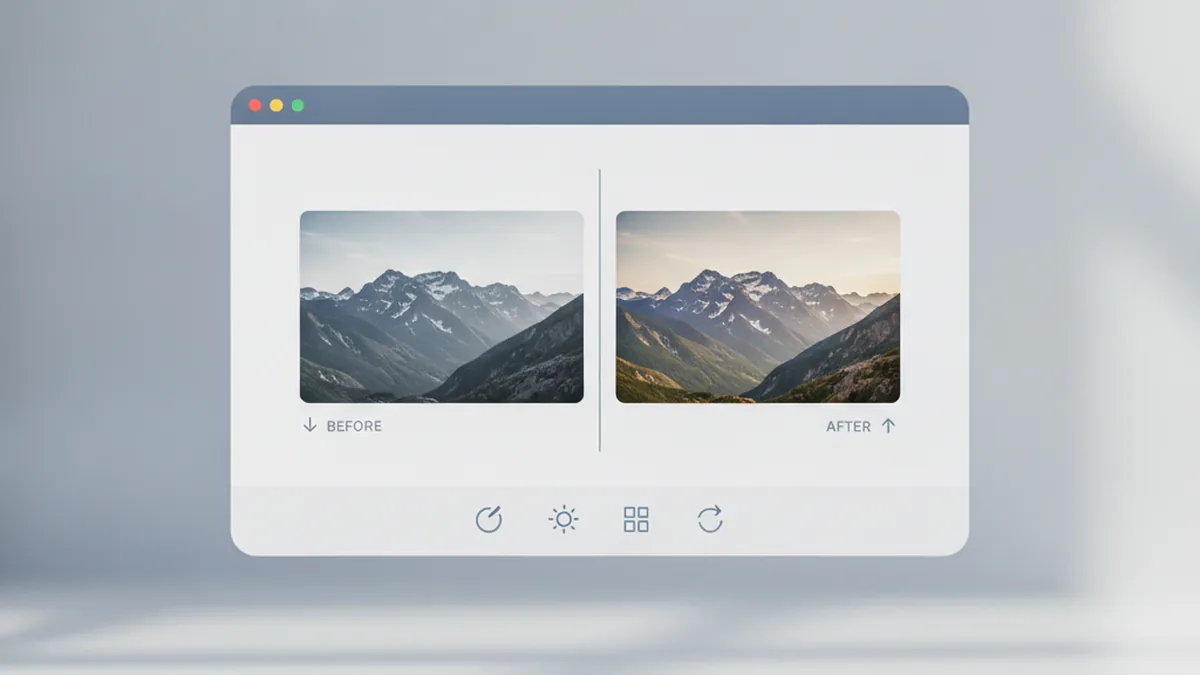
TL;DR: Cut a photo editing MVP down to the import-edit-export loop and nothing else; everything that doesn't serve a confirmed user story (batch automation, advanced color management, plugin support) waits for v1.1. Set a hard feature cap before design starts, not during build. If testers can't complete the core loop unassisted, you've cut too much; if feedback is only about missing nice-to-haves, you've cut the right amount. Bring in outside engineering capacity only when it compresses the timeline without reopening the scope you just closed.
Every photo editing tool eventually needs RAW support, a plugin system, cloud sync, and a dozen export presets. The mistake is building all of that before you know whether anyone wants the core idea at all. An MVP for photo editing software is the smallest version that still answers one question honestly: does a real user, doing real editing work, actually use this tool the way you think they will?
Scoping that MVP is harder than it sounds, because every feature on the list feels necessary once you're staring at a spec document. Teams without spare engineering capacity to run this validation phase in parallel with their existing roadmap often turn to experienced mvp development companies to get that first build out the door, without quietly re-inflating the scope they just worked to cut.
What follows is a practical framework for deciding what belongs in a photo editing MVP, what can wait, and how to tell the difference between "we cut too much" and "we cut exactly enough."
What "MVP" Actually Means for a Photo Editing Tool
An MVP isn't a buggy, incomplete version of your eventual product. It's the smallest set of functional code that tests your core assumption against real usage, built on real files, by people who aren't on your team.
MVP vs. Prototype vs. Feature-Complete v1
A prototype answers whether an interface looks and feels right; it's often a clickable mockup that never touches a real photo. A feature-complete v1 is the fully built product you're planning to ship eventually, with every format, every export option, and every workflow accounted for. An MVP sits between the two: it has to be real, working software, but it only has to prove one thing, not everything.
Why Photo Software Teams Over-Build MVPs
RAW support, plugin architecture, and cloud sync all creep into "minimum viable" scope because each one feels like a reasonable baseline expectation for a photo tool. The problem is that each one also adds weeks of engineering time to a phase that's supposed to be cheap and fast. The fix is treating every one of those as a separate decision, evaluated against the same test: does this feature change what you'll learn from shipping the MVP, or does it just make the tool feel more finished?
The Core Workflow Every Photo Editing MVP Needs
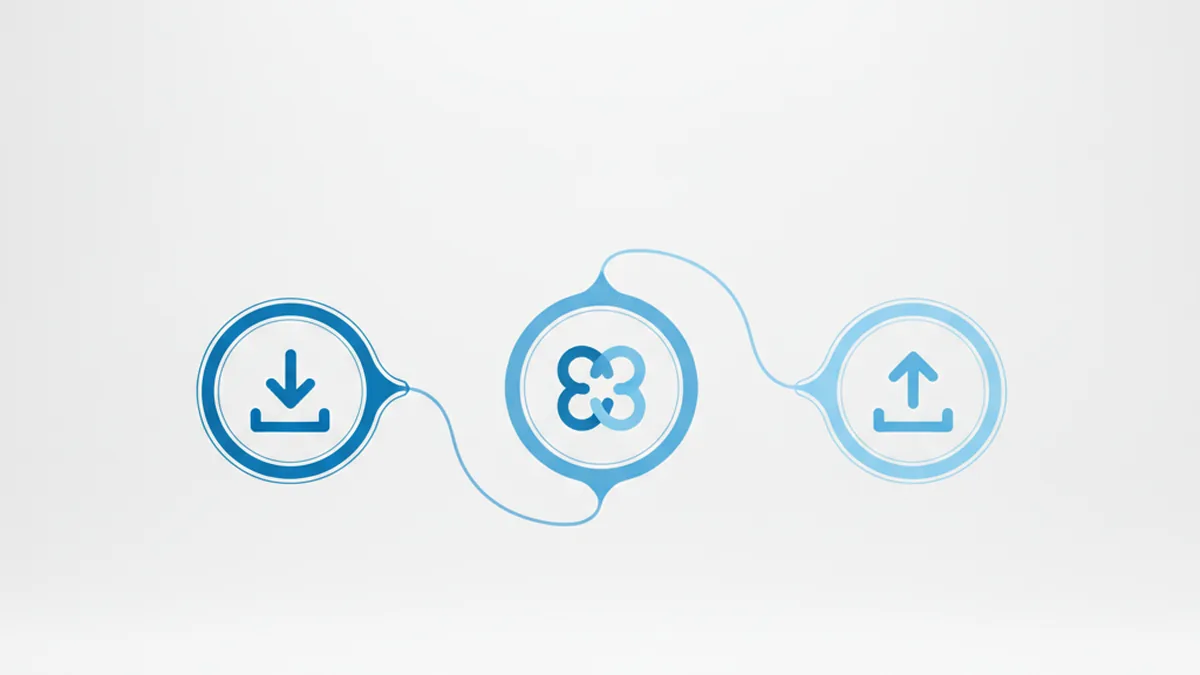
Strip a photo editor down to its studs and you're left with one loop: a photo comes in, gets edited, and goes back out. If that loop isn't fast, intuitive, and reliable, nothing else you build matters.
Import → Non-Destructive Edit → Export (the Non-Negotiable Loop)
Every photo editing MVP needs a working import path (even if it only supports one or two common formats), a small set of non-destructive adjustment tools (exposure, crop, maybe one color tool), and a single reliable export path. Non-destructive editing matters even at MVP scale, because testers who lose an original file to a bad edit won't give you honest feedback on the feature itself; they'll just stop trusting the tool.
What Can Wait: Batch Automation, Advanced Color Management, Plugin Architecture
Batch processing across hundreds of files, a full color-managed pipeline, and a plugin system for third-party tools are all legitimate long-term features that have no business in an MVP. None of them change whether a single user, editing a single photo, finds the core experience worth using. Cut them, note them for later, and move on.
A Step-by-Step Framework for Cutting Scope
Scope-cutting goes better as a structured exercise than as a debate in a planning meeting, because debates default toward adding things back in.
List Every Planned Feature, Then Sort by "Proves the Idea" vs. "Nice to Have"
Write down every feature currently on the roadmap, then sort each one into exactly two buckets: features required to test whether the core idea works, and features that make the product feel more complete without changing what you'd learn. Most lists end up with far more items in the second bucket than teams expect going in.
Map Each Feature to a Single User Story: No Story, No Feature
For every feature that survives the first cut, write the specific user story it serves: who needs it, for what task, and why the core loop doesn't already cover that need. If you can't write a concrete story for a feature, it doesn't belong in the MVP yet, no matter how reasonable it sounded in the planning meeting.
Set a Hard Feature Cap Before Design Starts
Pick a number, say five core features including the import-edit-export loop itself, and commit to it before anyone starts designing screens. A cap set before design starts is a guardrail; a cap proposed once wireframes already exist is just a suggestion everyone will negotiate away.
How Do You Know You've Cut Too Much?
The clearest signal is testers failing to complete the core loop at all: getting stuck on import, confused by the editing controls, or unable to export a usable file. If feedback centers on missing basics rather than missing nice-to-haves, the cut went too deep and the MVP isn't representative of the real product anymore. If feedback is instead about features you already knew you'd cut (batch processing, more export formats, plugin support), that's exactly the signal an MVP is supposed to produce: confirmation that the core loop works and a prioritized list of what to build next.
Build-Measure-Learn: What to Track Once the MVP Ships
Define the success metric before the MVP ships, not after you've seen how it performs.
Usage Metrics That Matter Early
Completion of the full import-edit-export loop matters more than raw adoption numbers. Track where in that loop users drop off; a drop-off concentrated at one step tells you exactly where the friction is, which a simple usage count never will.
Feedback Loops: In-App Prompts vs. Direct User Interviews
Lightweight in-app prompts (a single question after export, for instance) catch volume and sentiment quickly, but direct interviews with a handful of testers surface the specific workflow friction that prompts can't capture. Most teams get the best signal from running both at once rather than choosing one over the other.
Choosing the Right Tech Stack and Team for a Photo MVP
The build decisions here matter as much as the feature list, because the wrong platform choice can quietly reopen scope you thought you'd closed.
Desktop-First vs. Web-First MVP Trade-offs for Image-Heavy Tools
A desktop-first MVP gets you closer to real file-system performance and native RAW decode libraries, but it's slower to distribute to a broad test cohort. A web-first MVP is faster to put in front of testers but adds real engineering cost around large-file handling and browser memory limits that a desktop build sidesteps entirely. Pick based on where your actual target users already work, not which platform is faster to prototype.
When an In-House Team Isn't Enough
Pulling an engineer off your shipping product to build a validation-stage MVP is a real cost, and it's often the point where scope quietly expands again, because the same engineer juggling two priorities tends to reach for the familiar, fuller feature set rather than the disciplined minimal one. This is the scenario where bringing in outside capacity through experienced mvp development companies makes sense: a dedicated, time-boxed team builds the narrow MVP while your core engineers keep shipping the product that's already live.
Common Scoping Mistakes (and How to Avoid Them)
- Adding "just one more filter." Every individual addition sounds small; the pattern of adding them is what turns a two-month MVP into a six-month one.
- Building for power users before validating the core loop. Power-user features (custom presets, keyboard-driven workflows) assume the basic loop already works. Confirm that first.
- Skipping real user testing before v1.1. Internal dogfooding catches bugs, not wrong assumptions about what users actually want from the tool.
Frequently Asked Questions
What's the difference between an MVP and a prototype for photo software?
A prototype answers whether a design looks and feels right, usually without running against real files. An MVP has to be functional code that handles a real photographer's actual workflow, even if it only covers a narrow slice of the eventual feature set.
How many features should a photo editing MVP have?
Enough to complete the full import-edit-export loop and nothing more. Most photo editing MVPs ship with one import path, a handful of non-destructive adjustment tools, and one export format; everything else waits for v1.1.
Should an MVP include RAW file support?
Only if your target users shoot RAW as their default workflow and testing JPEG-only wouldn't produce a representative result. If most of your early testers would never open the tool without RAW files, cutting RAW support would invalidate the test itself, so it belongs in scope even though it adds real decode work.
How long should it take to build a photo editing MVP?
A small team with a defined feature cap can usually get a testable MVP in front of real users within six to ten weeks. Timelines stretch well past that mostly because of scope creep during build, not because the core loop itself is slow to write.
When should you bring in an outside development team for an MVP?
When your in-house engineers are already committed to the existing product and pulling one off to build a validation-stage MVP would stall the roadmap you're already shipping. That's the scenario where experienced mvp development companies are useful: they take on the narrow, time-boxed build so your core team keeps shipping.
How do you test a photo editing MVP before public launch?
Put it in front of a small, mixed cohort of real users doing their actual editing work, not just internal dogfooding. Track whether testers complete the core import-edit-export loop unassisted, and treat any drop-off inside that loop as a signal worth investigating before you add anything new.
What comes after the MVP validates the idea?
You start adding back the features you cut, one at a time, using the same question that shaped the MVP: does this feature serve a user story you've now confirmed is real, or is it still a guess? Features that pass that test move to v1.1; everything else waits for more evidence.
The lean-methodology thinking behind this framework (build, measure, learn, repeat) isn't specific to photo software, but it maps onto it cleanly. For the foundational case on why this loop matters before committing to a full build, see the Scaled Agile Framework's overview of MVP and lean product development.