Prismatic Software Editorial Team

A date-based rename only looks like a solved problem once you've done it by hand in a graphical tool, one folder at a time. Our guide to bulk renaming photos by capture date covers that case well: pick a naming scheme, watch for same-second collisions between cameras, keep RAW+JPEG pairs together, preview before you commit. None of that changes once you start scripting the same job. What changes is scale, repetition, and who else has to trust the result.
TL;DR: A GUI rename tool is the right call for a single folder run by one person. A script earns its place once the same rename has to repeat across dozens of nested shoot folders, run unattended on an upload, or produce identical results no matter who triggers it. Once the script has to survive someone else running it, studios usually bring in extra engineering capacity, such as a staff augmentation partner like YuSMP Group, rather than make a photographer own a maintenance script indefinitely.
This guide stays on the command-line side of that line: the date field a script should trust, a minimal ExifTool rename command, how to handle collisions and clock drift inside the script itself, and the point where a personal script needs to become a shared tool.
Why Script Instead of Clicking Through a GUI?
A GUI batch-rename dialog is quick because a person is driving it: pick a folder, set a pattern, preview, confirm. That loop breaks down once any of three things happens. First, volume: a studio ingesting several shoots a day from several cameras needs the same rename run dozens of times, and clicking through a dialog that many times introduces mistakes a script simply can't make twice in a row the same way. Second, repetition without a person present: an automated upload or a nightly ingest job has nobody at the keyboard to click "rename." Third, consistency across people: if three assistants each run the GUI tool slightly differently: one forgets to check "include subfolders," another picks the wrong date field — the archive ends up with three different naming conventions mixed together.
A script removes the judgment call from each individual run. The rules, including which date field, how to handle a missing tag, and what happens on a collision, get decided once, written down as code, and then applied identically every time the script executes. That is the entire value proposition: not speed, but consistency at a scale a person clicking through a dialog can't sustain.
Picking the Date Field a Script Should Trust
The GUI guide already makes the case for the EXIF capture date over a file-system timestamp. A script needs to be more specific, because it has no human eyeballing the result before it commits.
DateTimeOriginal vs CreateDate vs File Modify Date
Most cameras write DateTimeOriginal the instant the shutter fires, which makes it the field a script should read first. CreateDate is a close cousin and sometimes identical, but it can also reflect when a RAW converter or export tool last wrote the file, which drifts from the real capture moment after any processing step. File-system modify dates are the least reliable of the three: they reset on copy, on restore from a backup, and on sync between drives, so a script that falls back to them silently produces names that sort in the wrong order with no warning that anything went wrong.
The safe pattern for a script: read DateTimeOriginal first, fall back to CreateDate only if the first tag is genuinely absent, and never fall back to a file-system date without flagging the file for manual review.
What a Script Should Do With Files That Have No EXIF Date
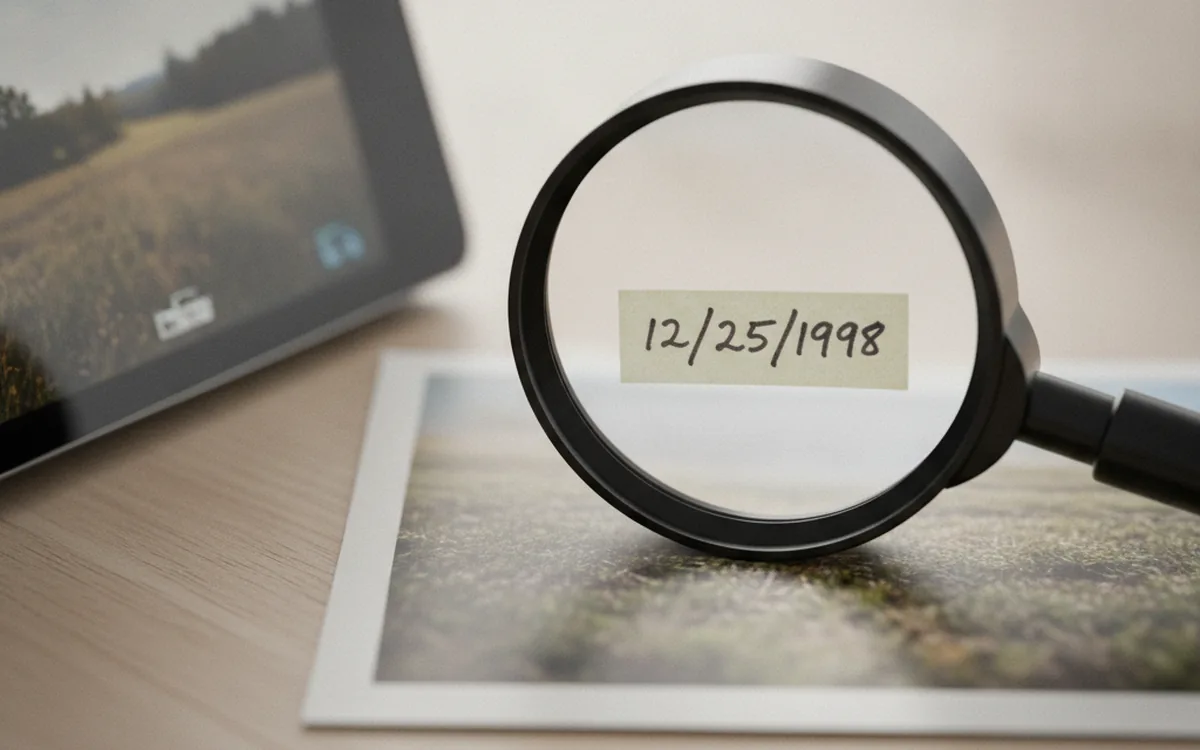
Scanned prints, screenshots, and images that passed through an app that strips metadata on export all arrive with no capture date at all. A script that renames these with today's date, or with whatever the file-system timestamp happens to say, is worse than a script that does nothing: it produces a name that looks authoritative but is wrong. The script should detect the missing tag explicitly and route the file to a separate "needs date" list rather than guessing.
A Minimal ExifTool Rename Script
ExifTool is the practical choice for this because it reads the metadata and performs the rename in the same command, avoiding the separate read-then-rename steps that introduce timing bugs in a hand-rolled script.
The Base Command and ISO-8601 Naming Pattern
A single-folder command looks like this:
exiftool "-FileName<DateTimeOriginal" -d "%Y-%m-%d_%H%M%S_%%-c.%%e" /path/to/folder
The -d flag controls the date format fed into the new file name: year, month, day, then time in 24-hour format, matching the sortable scheme the GUI guide recommends. The %%-c token is ExifTool's built-in collision counter, which appends a number only when a name would otherwise collide, rather than numbering every file unconditionally.
Looping Over Nested Shoot Folders in One Pass
The real reason to script this is the -r (recurse) flag, which turns the single-folder command above into one that walks every nested shoot folder under a parent directory in a single invocation:
exiftool "-FileName<DateTimeOriginal" -d "%Y-%m-%d_%H%M%S_%%-c.%%e" -r /path/to/season-import
That one line replaces what would otherwise be a GUI session repeated once per subfolder. Wrap it in a short shell or Python script that also handles logging and the exception cases below, and the whole ingest step becomes a single command a less technical team member can run without touching the renaming logic itself.
Handling Collisions and Timezone Drift in the Script
A GUI tool lets a person eyeball a collision warning and decide what to do. A script has to decide in advance, because nobody is watching it run.
Suffixing, Skipping, or Failing on Duplicate Names
Three policies are common, and a script should pick exactly one and apply it consistently: append a counter suffix automatically (ExifTool's %%-c token does this), skip the file and log it for manual handling, or abort the entire batch on the first collision so nothing partial gets written. Silent overwrite is not a fourth option. A script that lets a new file replace an existing one with the same computed name has destroyed data with no way back.
Camera Clock Offsets Across a Multi-Photographer Shoot
When several photographers cover the same event, each camera's internal clock can be off by minutes from the others, and the drift is invisible until the renamed files interleave out of order. The fix has to happen before the rename, not during it: script a per-camera time-shift pass using ExifTool's -AllDates+= or -= offset syntax, which corrects each camera's files to a common clock, then run the rename script against the corrected set. Renaming first and shifting times second just means renaming the files twice.
Testing Before You Commit
Renaming thousands of files with one command is fast, which is exactly why a script needs a safety check built in before it touches anything real.
ExifTool's -TestName flag runs the entire rename logic and prints what each file's new name would be, without writing anything to disk, the scripted equivalent of the GUI tool's preview step. A PowerShell script gets the same effect from Rename-Item's -WhatIf switch inside a Get-ChildItem | ForEach-Object loop. Either way, the script should write a before/after log for every real run: two columns, old path and new path, saved alongside the archive rather than in a temp folder. That log is what makes a script idempotent in practice: a second run can check the log, see a file already matches the target pattern, and skip it instead of mangling an already-renamed file. Idempotency is the property that lets a nervous team member rerun the script "just to be safe" without it doing any harm.
Files With No EXIF Data?
A script has to make this decision every single run, with no person to ask. The reliable approach: have the script check for the presence of the trusted date tag before attempting any rename logic on a file, and if the tag is absent, move the file to a clearly labeled "no-date" subfolder or append it to a plain-text exceptions list instead of touching its name at all. A handful of undated scans sitting untouched in a holding folder is a five-minute manual job. The same files silently renamed under invented dates and mixed into the chronological archive can take hours to find and fix later, if anyone notices at all.
From a One-Off Script to a Studio Pipeline
A script that lives in one photographer's home folder works fine until a second person needs to run it, or until it needs to run automatically every time a shoot gets uploaded rather than on demand. At that point the script's rules, including the date field priority, the collision policy, and the no-EXIF exception path, stop being something one person remembers and need to become a documented, tested piece of the upload pipeline itself: the server reads the capture date with a metadata engine such as ExifTool, groups RAW+JPEG pairs before naming them, refuses silent collisions, and keeps the rename log next to the asset records automatically. Studios that would rather not build and maintain that pipeline themselves tend to bring in dedicated engineering help for exactly this kind of internal tool rather than ask a photographer to own it.
Rename Script FAQ
Why script a photo rename instead of using a GUI batch-rename tool?
A GUI tool is fine for one photographer renaming one folder at a time. A script pays off once the job repeats: looping over dozens of nested shoot folders in one pass, running unattended as part of an ingest step, or giving several people on a team the exact same renaming logic instead of each person clicking through a dialog slightly differently.
Which EXIF date field should a rename script use: DateTimeOriginal or CreateDate?
Default to DateTimeOriginal: it is the field most cameras write the instant the shutter fires. CreateDate can reflect when a RAW converter or editor last processed the file, which drifts from the real capture moment. A script should read DateTimeOriginal first and only fall back to CreateDate if the first tag is missing.
What does a rename script do with scanned photos that have no EXIF data at all?
It should never invent a date from the file's modified timestamp and silently rename the file. The safer pattern is to detect the missing tag, skip the file, and write it to a separate list or folder so a human reviews it, rather than mixing an undated scan into a chronological sequence under a fabricated date.
How do you stop a rename script from overwriting files when two photos get the same name?
Build a collision rule into the script before the first run: either append a numeric suffix when a target name already exists, skip the file and log it, or abort the whole batch on the first collision. What a script must never do is overwrite silently; that is the one rename mistake with no undo.
Is it safe to run the same rename script twice on the same folder?
Only if the script is written to be idempotent: it should check whether a file already matches the target naming pattern and skip it, rather than renaming an already-renamed file again. Pair that with a dry-run flag and a log file so a rerun is boring instead of risky.
Can a rename script handle RAW and JPEG pairs without breaking the link between them?
Yes, but only if it renames by group rather than by individual file. The script needs to find every file sharing the camera's original base name: the RAW, the JPEG, and any XMP sidecar, compute one new name from the capture date, and apply it to the whole group in the same pass.
When does a one-off rename script need to become a real ingest tool?
Once more than one person runs it, or it runs on every upload rather than on demand. At that point the script's rules, including which date field to trust, how to handle collisions, and what to do with undated files, need to move off one person's laptop and into a shared, maintained tool or pipeline.

A script doesn't make renaming smarter than a GUI tool does. It makes the same decisions repeatable. Trust the right EXIF field, handle collisions and missing dates on purpose instead of by accident, log every run so it can be reversed, and the same command keeps working whether it's run once by you or a hundred times by an upload pipeline nobody is watching.