Free utilities for image files
Simple programs that each do one job. Use them freely and share them with anyone.
Renames every file, or just the images, in a folder. Auto-numbering and other naming options.
Windows 95/98, NT4
Copies or moves JPEGs from camera media to a folder of your choice. Each file gets a shared descriptive name, a sequence number and a unique time-based ID. The installer version adds an item to the drive context menu.
Windows 9x, NT
Opens two Explorer windows side by side from a right-click on any folder or drive. Handy when source and destination will not fit in one window.
Windows 9x only
Recursively scans a drive or folder and lists files with the extensions you choose in a table. Works with any file type, not just images.
Windows 9x, NT
Two panes instead of one
Two Explorers is for anyone who moves files between drives a lot. Source on the left, destination on the right, drag and drop without juggling windows.
A:\
mavica_001.jpg
mavica_002.jpg
mavica_003.jpg
D:\Photos\2024
trip_001.jpg
trip_002.jpg
Further reading
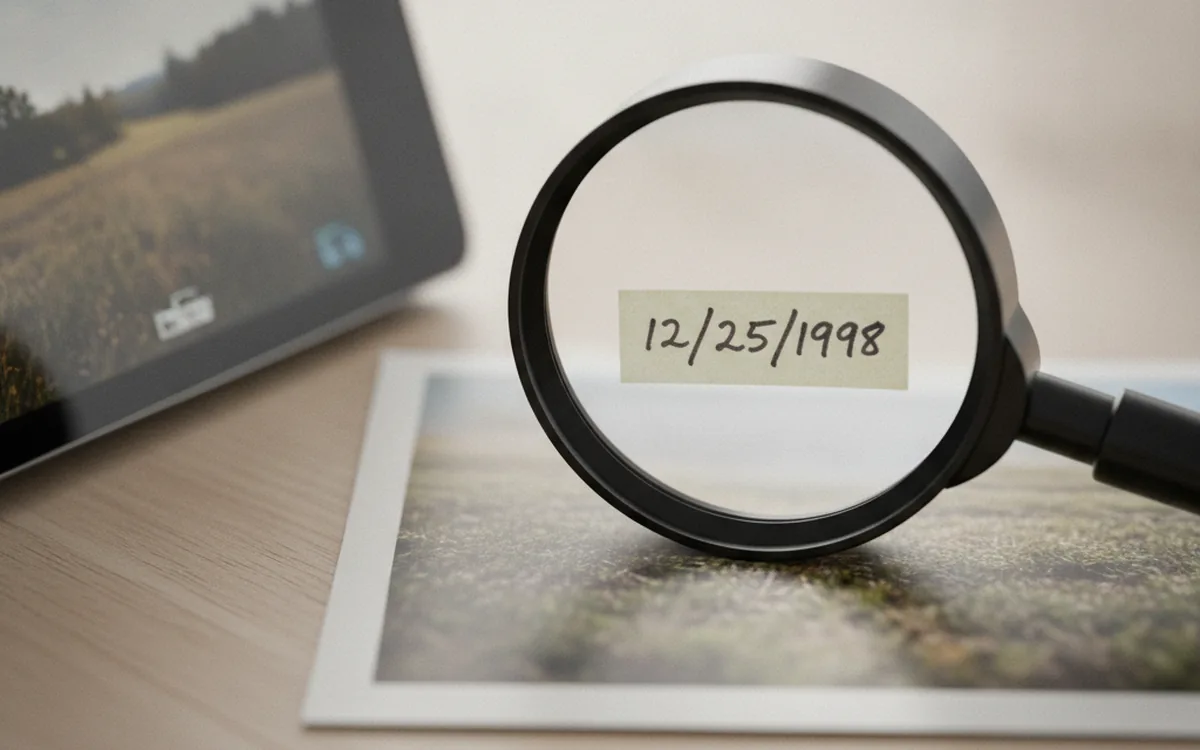
EXIF, IPTC and XMP: What Your Photos Know About Themselves
Every photo carries a hidden record of when, where, and how it was taken. Here’s what each metadata standard holds, where it breaks, and what to strip before sharing.

How to Bulk Rename Photos by Capture Date
Date-based file names turn any folder into a timeline. Here’s how to choose the scheme, avoid collisions between cameras, keep RAW+JPEG pairs intact, and make every rename reversible.
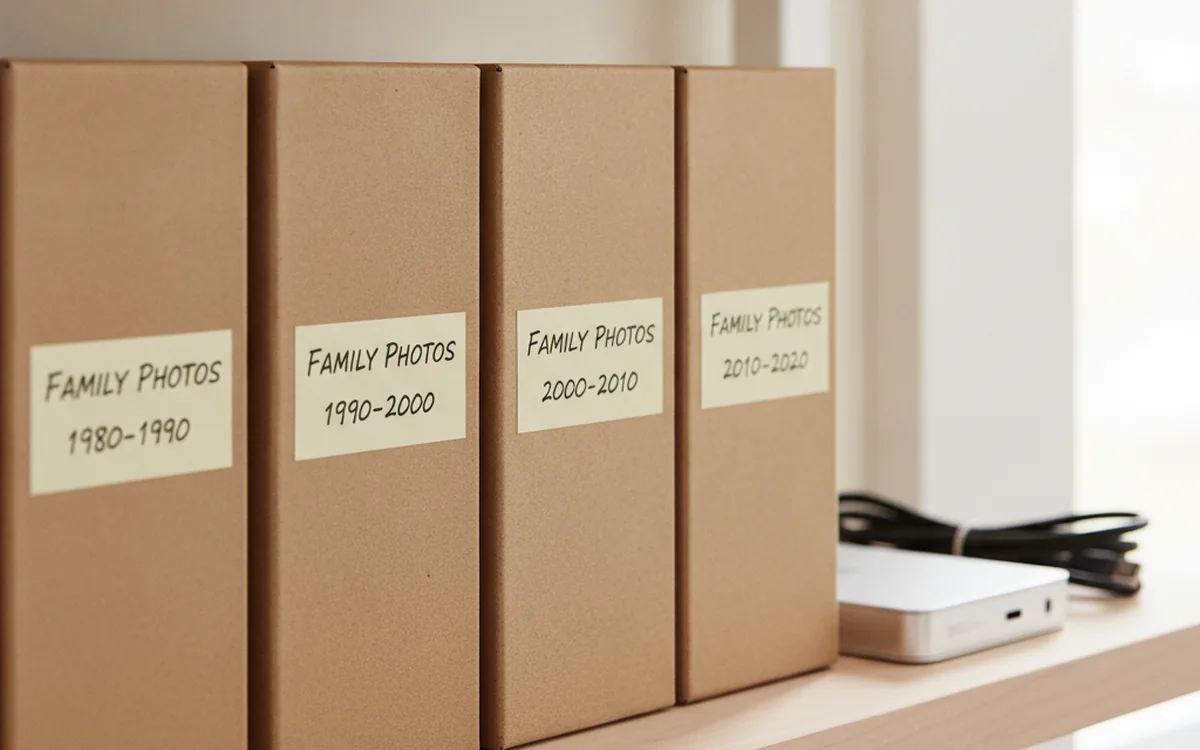
Organizing a Photo Archive: Folders, Names, Duplicates, and Backups
A photo archive grows on its own, but keeping it in order takes deliberate effort. Here is a step-by-step plan: gather everything in one place, sort it by date, give files meaningful names, remove duplicates, and protect the result with backups.
Bigger jobs call for bigger tools
Outgrown the utilities? PhotoBatch combines renaming with 91 processing commands.
These utilities were written for Windows 9x and NT, and each one hard-codes a single habit. When a studio needs that habit built into its own pipeline, for example card ingest that names files by the client's job number and pushes them straight into a shared catalogue, an off-the-shelf tool rarely fits. That is a job for YuSMP Group and other teams that build custom software around an existing workflow.